# Deploy and mint a bond
Source: https://docs.settlemint.com/docs/developer-guides/runbooks/create-mint-bonds
Step-by-step guide for creating and minting bond tokens using the
DALP TypeScript client.
Bond issuance connects bond terms, denomination assets, compliance checks, and minting through DALP APIs.
## Prerequisites [#prerequisites]
Before running these commands, you need to:
1. **Platform URL** - Know your DALP platform URL (e.g., `https://your-platform.example.com`)
2. **Deploy DALP** - Have a running DALP instance (local or hosted)
3. **Sign up** - Create a user account through the DALP UI with email/password
4. **Enable PINCODE** - Set up PINCODE during onboarding. Manage it from **Account → Wallet**.
5. **Admin role** - Your account must have `admin` role to grant system roles (Step 3)
6. **Stablecoin (denomination asset)** - Have a deployed stablecoin contract address. You can create one using the [Stablecoin Guide](/docs/developer-guides/runbooks/create-mint-stablecoins) or use an existing stablecoin contract address
Your wallet address is available during DALP signup and from Step 2. You also need a deployed stablecoin contract address for the denomination asset.
***
## Quick reference [#quick-reference]
| Step | What | SDK call |
| ---- | ------------------ | ------------------------------------------- |
| 1 | Create the client | `createDalpClient` |
| 2 | Get user info | `dalp.user.me` |
| 3 | Grant system roles | Grant `tokenManager` role |
| 4 | Create bond | `dalp.token.create`, then recover if queued |
| 5 | Grant token roles | `dalp.token.grantRole` |
| 6 | Unpause | `dalp.token.unpause` |
| 7 | Mint bonds | `dalp.token.mint` |
| 8 | Verify | `dalp.token.holders` |
***
## Bond token lifecycle flow [#bond-token-lifecycle-flow]
This diagram shows the complete bond deployment and minting workflow:
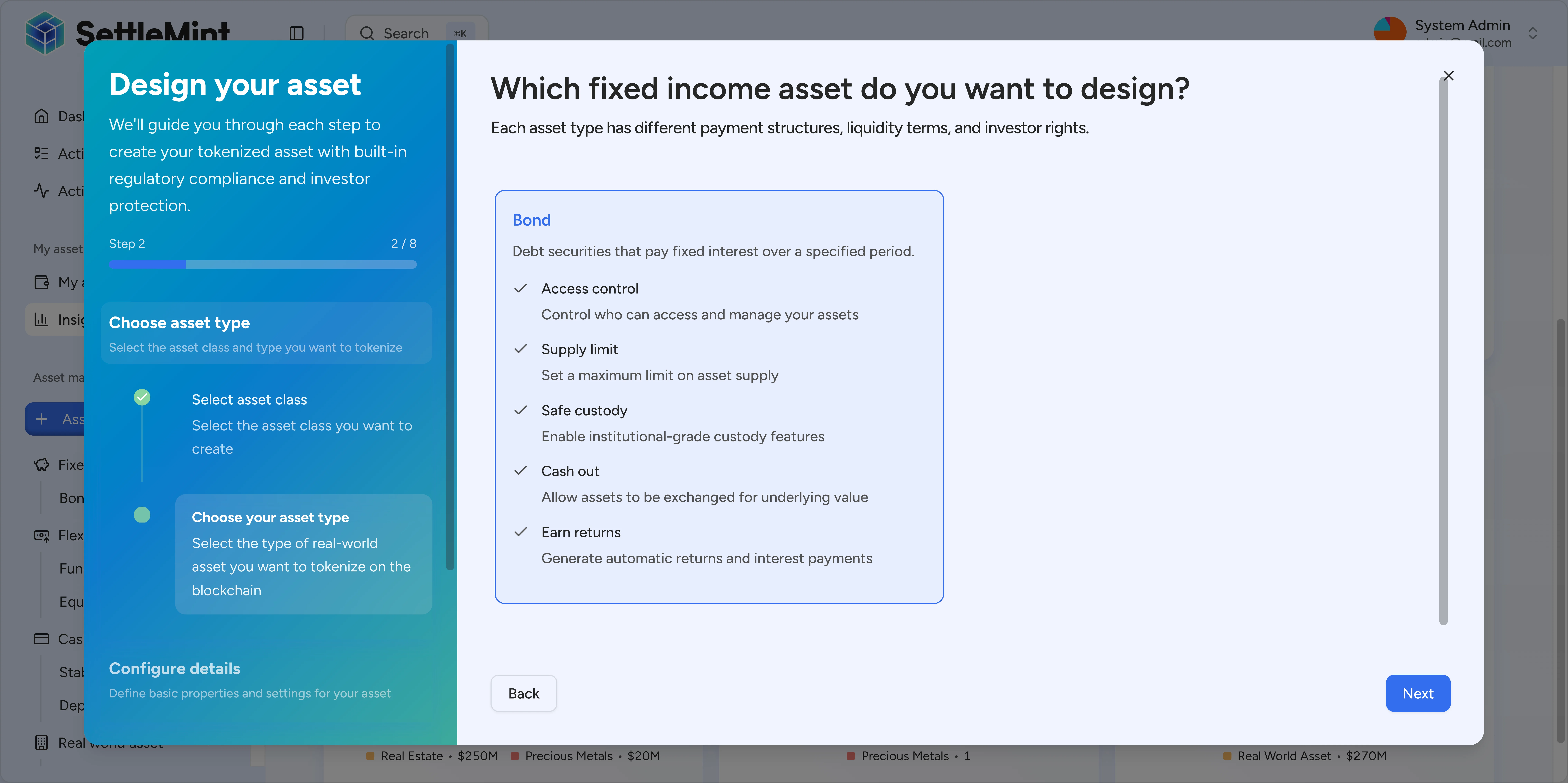
**Bond-specific requirements:**
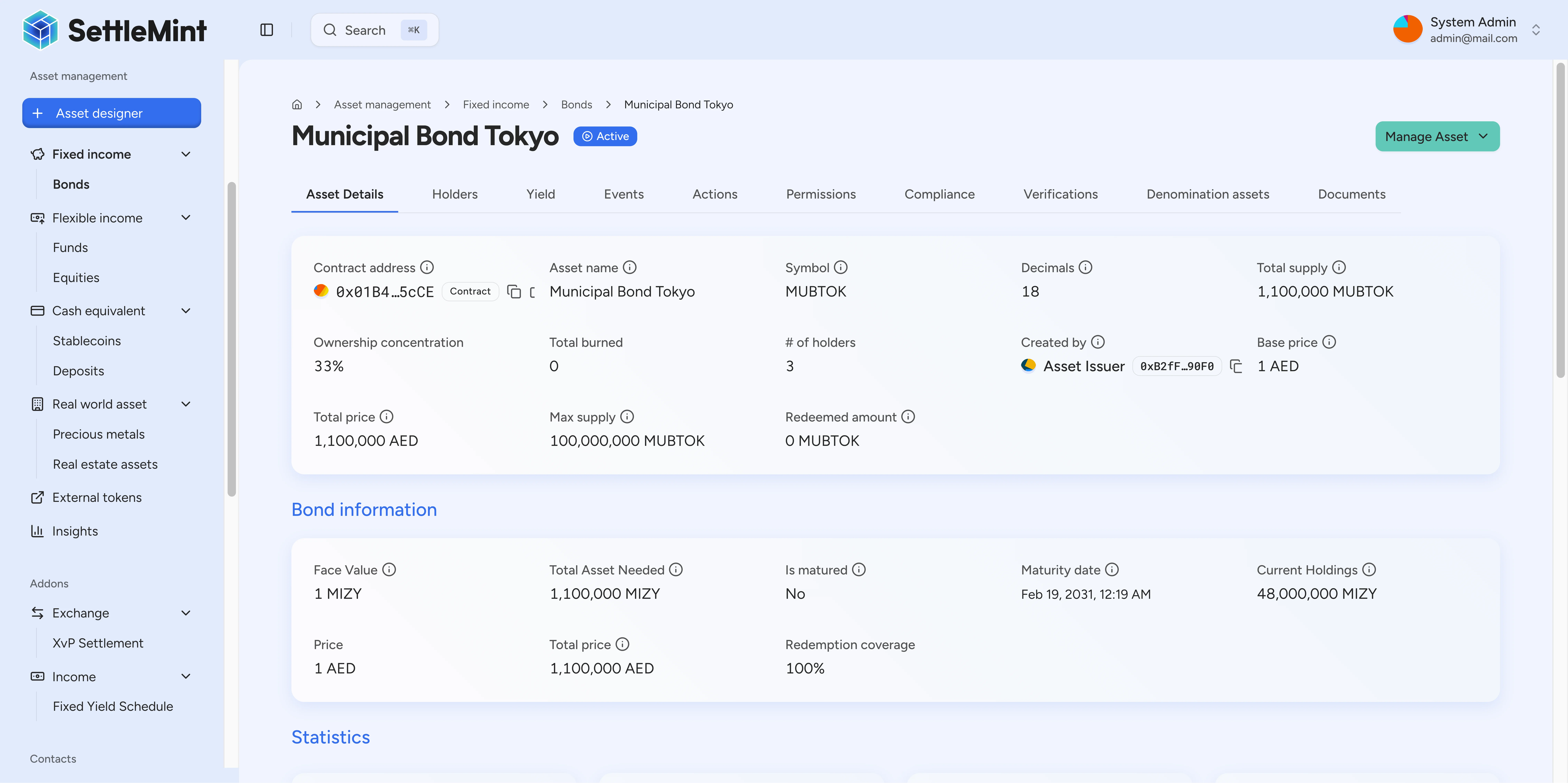
* **denominationAsset** – Stablecoin contract address for redemptions (required)
* **faceValue** – Redemption value per bond at maturity
* **maturityDate** – Future ISO timestamp when bonds become redeemable
* **System roles** – Requires `tokenManager` before creation
* **Token roles** – `supplyManagement` for minting, `emergency` for unpausing
***
## Step-by-step commands [#step-by-step-commands]
### Step 1: Create the client [#step-1-create-the-client]
Create the DALP SDK client with your platform URL and API key.
```ts file=/src/examples/create-mint-bond.ts#L1-L11
import { createDalpClient } from "@settlemint/dalp-sdk";
async function main() {
// Step 1: Create the SDK client
// Replace these placeholders with your actual values
const dalp = createDalpClient({
url: "https://your-platform.example.com",
apiKey: "YOUR_API_KEY",
});
const pincode = "YOUR_PINCODE";
const stablecoinAddress = "YOUR_STABLECOIN_CONTRACT_ADDRESS";
```
***
### Step 2: Check that your session has a wallet [#step-2-check-that-your-session-has-a-wallet]
```ts file=/src/examples/create-mint-bond.ts#L13-L19
// Step 2: Get your wallet address
const me = await dalp.user.me({});
const myWallet = me.data.wallet;
if (!myWallet) {
throw new Error("No wallet found. Create a wallet first via the DALP dashboard.");
}
console.log("Wallet:", myWallet);
```
Save the wallet address. You use it when you grant token roles and mint the first bond supply.
***
### Step 3: Set up system roles [#step-3-set-up-system-roles]
**Required**: Grant yourself the necessary system roles.
1. **Grant system roles**:
* `tokenManager` - Required to create tokens
**Note:** Only users with `admin` role can grant system roles. If you don't have admin access, ask your system administrator to grant you the `tokenManager` role.
***
### Step 4: Create bond token [#step-4-create-bond-token]
```ts file=/src/examples/create-mint-bond.ts#L26-L51
// Step 4: Create bond token
const bond = await dalp.token.create({
body: {
type: "bond",
name: "Test Corporate Bond",
symbol: "TCBD",
decimals: 18,
countryCode: "840",
cap: 1_000_000_000_000_000_000_000_000n,
faceValue: 1_000_000_000_000_000_000_000n,
maturityDate: new Date("2026-12-31T23:59:59Z").toISOString(),
denominationAsset: stablecoinAddress,
initialModulePairs: [],
walletVerification: {
secretVerificationCode: pincode,
verificationType: "PINCODE",
},
},
});
if ("transactionId" in bond) {
console.log("Bond creation queued:", bond.transactionId);
return;
}
const tokenAddress = bond.data.id;
console.log("Bond created:", tokenAddress);
```
**Parameters:**
* `type`: Must be `"bond"`
* `name`: Bond name (e.g., "Test Corporate Bond")
* `symbol`: Bond symbol (e.g., "TCBD")
* `decimals`: Usually `18` for bonds
* `countryCode`: ISO country code (840 = USA, 056 = Belgium, 276 = Germany)
* `cap`: Maximum supply using `toBigDecimal("1000000", 18)` = 1M bonds
* `faceValue`: Redemption value per bond using `toBigDecimal("1000", 18)` = 1000 tokens
* `maturityDate`: When the bond matures (ISO string)
* `denominationAsset`: Your stablecoin contract address from the [stablecoin guide](/docs/developer-guides/runbooks/create-mint-stablecoins)
* `initialModulePairs`: Compliance modules (empty array `[]` for basic setup)
**Expected:** A synchronous create returns bond data with `data.id`, the bond contract address. Save this address for the role grant, unpause, mint, and holder checks.
If the create response contains `transactionId` instead of `data.id`, the create request was queued. Poll `dalp.transaction.status` for the saved transaction ID until completion. Then call `dalp.token.list` with supported filters such as `name`, `symbol`, and `tokenType`. Save the matching token `id` as `tokenAddress` before continuing.
The example script returns after logging the queued transaction ID. Production automation should resume the runbook after resolving the token address instead of granting roles against a missing address.
***
### Step 5: Grant token roles [#step-5-grant-token-roles]
**REQUIRED**: Grant yourself `supplyManagement` (for minting) and `emergency` (for unpausing) roles on the bond contract.
**Note:** When you create a token, you automatically receive the `admin` role (which allows you to grant other roles) and the `governance` role. You must grant yourself `supplyManagement` and `emergency` roles before minting and unpausing.
```ts file=/src/examples/create-mint-bond.ts#L53-L76
// Step 5: Grant token roles
await dalp.token.grantRole({
params: { tokenAddress },
body: {
accounts: [myWallet],
role: "supplyManagement",
walletVerification: {
secretVerificationCode: pincode,
verificationType: "PINCODE",
},
},
});
await dalp.token.grantRole({
params: { tokenAddress },
body: {
accounts: [myWallet],
role: "emergency",
walletVerification: {
secretVerificationCode: pincode,
verificationType: "PINCODE",
},
},
});
console.log("Roles granted");
```
**Expected:** The role grant transaction completes. Wait for transaction confirmation before proceeding to Step 6.
***
### Step 6: Unpause the bond [#step-6-unpause-the-bond]
New tokens start paused. Unpause to enable transfers:
```ts file=/src/examples/create-mint-bond.ts#L78-L88
// Step 6: Unpause the bond
await dalp.token.unpause({
params: { tokenAddress },
body: {
walletVerification: {
secretVerificationCode: pincode,
verificationType: "PINCODE",
},
},
});
console.log("Bond unpaused");
```
**Note:** This step requires the `emergency` role from Step 5. Make sure Step 5 completed successfully and the transaction was confirmed before unpausing.
***
### Step 7: Mint bonds [#step-7-mint-bonds]
```ts file=/src/examples/create-mint-bond.ts#L90-L102
// Step 7: Mint bonds — 100 bonds
await dalp.token.mint({
params: { tokenAddress },
body: {
recipients: [myWallet],
amounts: [100_000_000_000_000_000_000n],
walletVerification: {
secretVerificationCode: pincode,
verificationType: "PINCODE",
},
},
});
console.log("Minted bonds");
```
**Parameters:**
* `tokenAddress`: Your bond contract address (in path)
* `recipients`: Array of recipient wallet address(es)
* `amounts`: Array of amounts using `toBigDecimal("100", 18)` = 100 bonds
**Expected:** Returns transaction hash.
**Note:** This step requires the `supplyManagement` role from Step 5.
***
### Step 8: Verify the mint [#step-8-verify-the-mint]
```ts file=/src/examples/create-mint-bond.ts#L104-L106
// Step 8: Verify holders
const holders = await dalp.token.holders({ params: { tokenAddress }, query: { limit: 200 } });
console.log("Holders:", holders.data);
```
**Expected:** Shows bond holders with their balances.
***
## Full script [#full-script]
```ts file=/src/examples/create-mint-bond.ts
import { createDalpClient } from "@settlemint/dalp-sdk";
async function main() {
// Step 1: Create the SDK client
// Replace these placeholders with your actual values
const dalp = createDalpClient({
url: "https://your-platform.example.com",
apiKey: "YOUR_API_KEY",
});
const pincode = "YOUR_PINCODE";
const stablecoinAddress = "YOUR_STABLECOIN_CONTRACT_ADDRESS";
// Step 2: Get your wallet address
const me = await dalp.user.me({});
const myWallet = me.data.wallet;
if (!myWallet) {
throw new Error("No wallet found. Create a wallet first via the DALP dashboard.");
}
console.log("Wallet:", myWallet);
// Step 3: Set up system roles
// Follow the Set Up Roles guide to:
// - Grant yourself 'tokenManager' system role
// See: /docs/developer-guides/runbooks/setup-roles
// Step 4: Create bond token
const bond = await dalp.token.create({
body: {
type: "bond",
name: "Test Corporate Bond",
symbol: "TCBD",
decimals: 18,
countryCode: "840",
cap: 1_000_000_000_000_000_000_000_000n,
faceValue: 1_000_000_000_000_000_000_000n,
maturityDate: new Date("2026-12-31T23:59:59Z").toISOString(),
denominationAsset: stablecoinAddress,
initialModulePairs: [],
walletVerification: {
secretVerificationCode: pincode,
verificationType: "PINCODE",
},
},
});
if ("transactionId" in bond) {
console.log("Bond creation queued:", bond.transactionId);
return;
}
const tokenAddress = bond.data.id;
console.log("Bond created:", tokenAddress);
// Step 5: Grant token roles
await dalp.token.grantRole({
params: { tokenAddress },
body: {
accounts: [myWallet],
role: "supplyManagement",
walletVerification: {
secretVerificationCode: pincode,
verificationType: "PINCODE",
},
},
});
await dalp.token.grantRole({
params: { tokenAddress },
body: {
accounts: [myWallet],
role: "emergency",
walletVerification: {
secretVerificationCode: pincode,
verificationType: "PINCODE",
},
},
});
console.log("Roles granted");
// Step 6: Unpause the bond
await dalp.token.unpause({
params: { tokenAddress },
body: {
walletVerification: {
secretVerificationCode: pincode,
verificationType: "PINCODE",
},
},
});
console.log("Bond unpaused");
// Step 7: Mint bonds — 100 bonds
await dalp.token.mint({
params: { tokenAddress },
body: {
recipients: [myWallet],
amounts: [100_000_000_000_000_000_000n],
walletVerification: {
secretVerificationCode: pincode,
verificationType: "PINCODE",
},
},
});
console.log("Minted bonds");
// Step 8: Verify holders
const holders = await dalp.token.holders({ params: { tokenAddress }, query: { limit: 200 } });
console.log("Holders:", holders.data);
}
await main();
```
***
## Troubleshooting [#troubleshooting]
**"Authentication missing"** → Check the API key passed to `createDalpClient`.
**"PINCODE\_INVALID"** → Reconfirm your PINCODE.
**"USER\_NOT\_AUTHORIZED" / "tokenManager required"** → Grant the `tokenManager` role (requires admin access).
**"Permission denied"** → Grant the required token roles (`supplyManagement`, `emergency`).
**"Token is paused"** → Make sure Step 6 (unpause) succeeded and you have `emergency` role.
**"Invalid denomination asset"** → Verify your stablecoin contract address from the [stablecoin guide](/docs/developer-guides/runbooks/create-mint-stablecoins).
**"Maturity date must be in the future"** → Use a future date.