# Platform setup overview
Source: https://docs.settlemint.com/docs/developers/platform-setup/platform-overview
Choose the setup path for organisation deployment, administrator roles, shared services, API automation, and the handoff to asset creation.
Platform setup starts with the workspace owner organisation. The path deploys it, creates the first administrator, assigns roles, and configures shared infrastructure. It also prepares API credentials and webhooks, and sets operator controls before asset teams create tokens. Read this page if you automate onboarding or connect provisioning systems through the Platform API.
The Platform API prepares the organisation, administrator roles, and platform configuration before asset teams operate tokens.
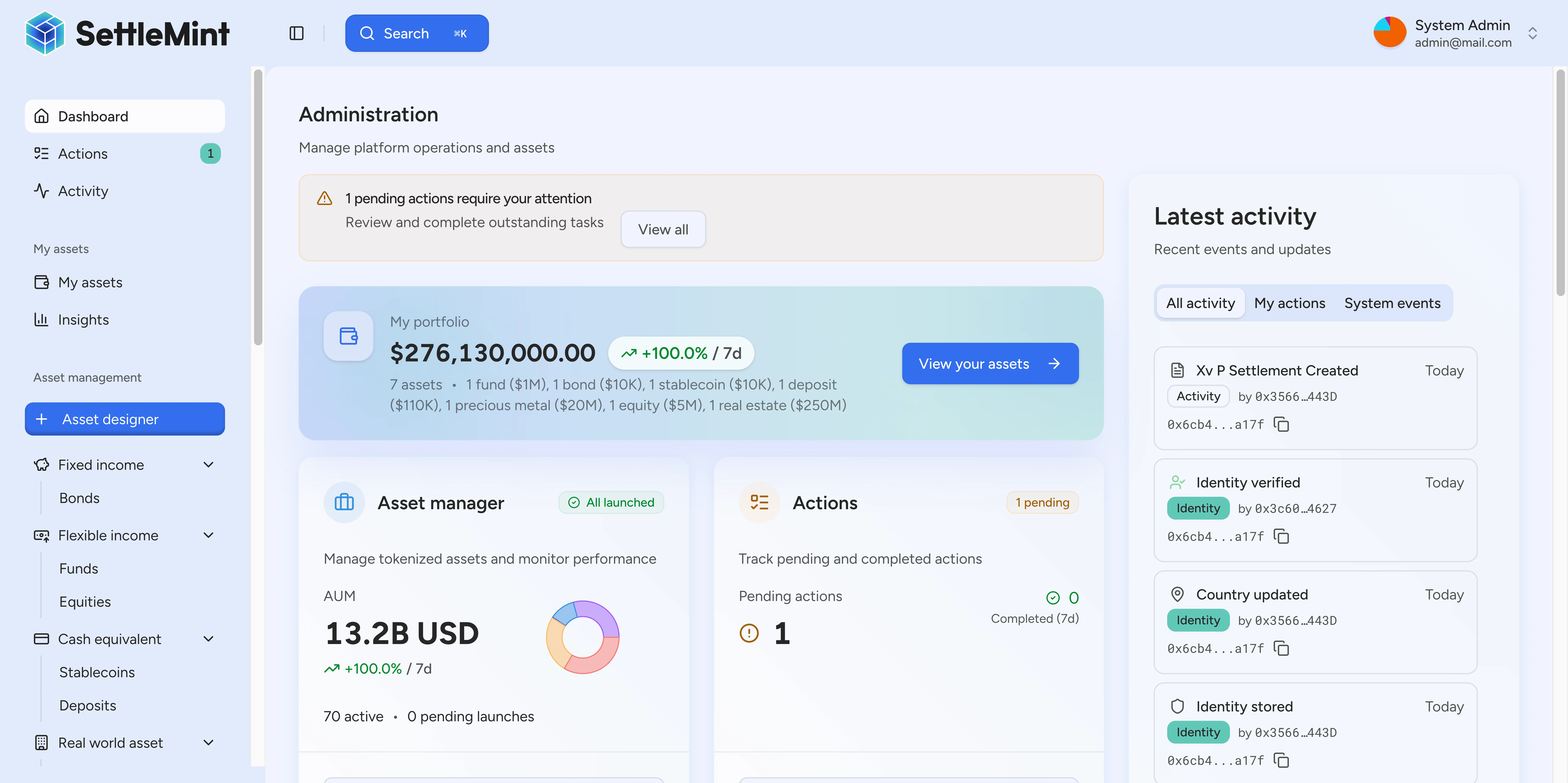
For the web interface path, see [platform setup in the user guide](/docs/operators/platform-setup/platform-overview). For how administration layers work across the full workspace, see [DALP admin operating model](/docs/developers/platform-setup/admin-operating-model).
## Setup model [#setup-model]
The organisation context scopes people, API keys, provider records, and platform settings. Set that context before you create machine credentials or assign permissions. After that, grant only the roles the target workflow needs, then connect your automated workflows and provider settings that asset programs depend on.
Organisation deployment is a distinct step from later administration. During deployment, the web onboarding route collects the organisation name, target currencies, and base currency, then tracks progress until the workspace is complete or a structured retry path is available. Treat the same boundary as the point where organisation-scoped setup can begin when provisioning through the API.
## Choose the API setup path [#choose-the-api-setup-path]
Most API-based setups follow this order:
1. [Create the first administrator](/docs/developers/platform-setup/first-admin-setup) and initialize the organisation.
2. [Add administrators](/docs/developers/platform-setup/add-admins) who need console or API access.
3. [Change admin roles](/docs/developers/platform-setup/change-admin-roles) after the user has the wallet and identity state required by the role.
4. Configure platform settings before asset workflows rely on them: trusted issuers, verification topics, compliance providers, exchange rates, pricing, and templates.
5. Create API keys and webhook endpoints for each workload after the organisation and roles are correct.
6. Create assets only after the administrative model and operating checks are in place.
## Platform and asset administration [#platform-and-asset-administration]
Platform-level work covers organisation and system setup. Token-program governance begins after assets exist and operates independently from platform setup.
| Layer | What it controls | Typical docs path |
| --------------------------- | ------------------------------------------------------------------------------------------------------------------------------------ | ------------------------------------------------------------------------------ |
| Organisation administration | Users, invitations, API keys, webhook management, and organisation settings. | [Admin operating model](/docs/developers/platform-setup/admin-operating-model) |
| System roles | Platform-wide authorities: system management, identity management, claim issuance, gas management, and compliance policy management. | [Change admin roles](/docs/developers/platform-setup/change-admin-roles) |
| Asset roles | Token-specific authorities for minting, burning, pausing, custody, supply management, and asset operations. | [Asset creation](/docs/operators/asset-creation/create-asset) |
Keep these layers separate when you automate setup. A user can manage workspace settings without holding every on-chain system role, and an on-chain role does not replace organisation membership for off-chain work.
## Production readiness checks [#production-readiness-checks]
Complete these checks prior to routing users or automated workflows into asset creation.
| Setup area | What to verify before production use |
| ----------------- | ------------------------------------------------------------------------------------------------------------------------------------ |
| Organisation | The active organisation is the intended one. Confirm this prior to creating API keys, inviting users, or configuring providers. |
| Deployment state | The organisation deployment finished successfully, or the operator has handled the retry path prior to continuing. |
| Administrators | Only expected administrators can grant or change sensitive roles. |
| System roles | System authority matches the operating model: identity, claims, gas, compliance, and asset creation. |
| API keys | Each connected workload uses a separate key scoped to the organisation it serves. |
| Webhooks | Endpoint health, signing state, and delivery history are visible to the operators who monitor downstream systems. |
| Provider settings | Compliance providers, trusted issuers, and verification topics are configured. Automated checks must not run until this is complete. |
| Operator wallets | Wallet balances are monitored for workflows that require gas or platform-managed transactions. |
Platform administrator roles control system-level permissions. Asset-specific roles (Asset Operator, Custodian, and Supply Management) are assigned per token and covered in asset creation and asset servicing guides.
## Setup guides [#setup-guides]
* [Organization deployment API](/docs/developers/platform-setup/organization-deployment-api) starts API-based organization deployment and tracks provisioning progress.
* [First administrator setup](/docs/developers/platform-setup/first-admin-setup) initializes the organisation and the first administrator.
* [Add administrators](/docs/developers/platform-setup/add-admins) grants platform access to additional users.
* [Change admin roles](/docs/developers/platform-setup/change-admin-roles) updates role assignments when responsibilities change.
* [DALP admin operating model](/docs/developers/platform-setup/admin-operating-model) maps the full scope: organizations, users, roles, API keys, webhooks, providers, and operator wallets.
* [Local development chain](/docs/developers/platform-setup/local-dev-chain) covers the local EVM chain settings developers use when running platform setup flows outside a shared environment.
* [Organization and system scope](/docs/api-reference/reference/organization-system-scope) describes how API integrations stay in the right organization and system context.
* [Create an asset](/docs/operators/asset-creation/create-asset) starts the asset workflow after platform setup is ready.