# Overview
Source: https://docs.settlemint.com/docs/user-guides/system-addons/xvp-settlement/local/overview
Local settlements execute all asset transfers atomically on a single blockchain.
Learn when to use local settlements and how the approval workflow operates.
Local settlements handle multi-party asset exchanges where all assets exist on the same blockchain. All flows execute together in a single transaction, eliminating counterparty risk.
## When to use local settlements [#when-to-use-local-settlements]
Use local settlements when:
* All assets being exchanged are on the same blockchain
* No cross-chain coordination is required
For exchanges involving assets on different chains, see [HTLC settlements](/docs/user-guides/system-addons/xvp-settlement/htlc/overview).
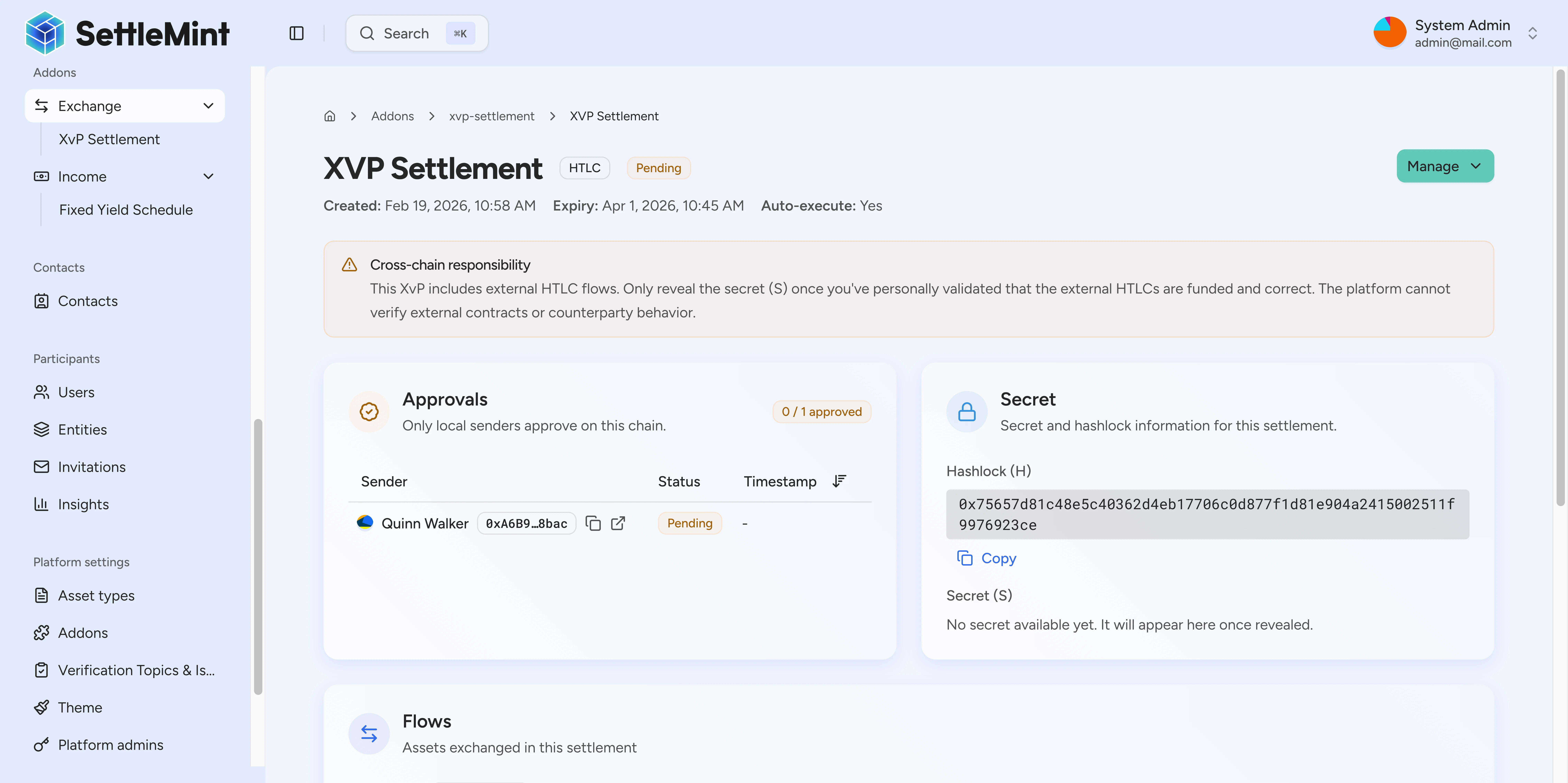
## How local settlements work [#how-local-settlements-work]
1. **Creator defines flows** - Specify each transfer: the asset, amount, sender, and recipient
2. **Senders approve** - Each party sending assets locks them into the settlement contract
3. **Settlement executes** - Executes automatically after all approvals (if auto-execute is enabled) or via manual trigger
4. **Assets distributed** - Recipients receive their assets in the same transaction
Only parties who are sending assets need to approve. Recipients do not need to take any action.
## State diagram [#state-diagram]
Local settlements follow this lifecycle:
| State | Description |
| ------------- | ------------------------------------------------ |
| **Pending** | Settlement created, waiting for sender approvals |
| **Ready** | All senders have approved, ready for execution |
| **Executed** | All flows completed successfully |
| **Cancelled** | Settlement cancelled by a participant |
| **Expired** | Cutoff date passed before execution |
## Auto-execute behavior [#auto-execute-behavior]
When auto-execute is enabled (the default), the settlement executes automatically as soon as all senders approve. No manual execution step is required.
If auto-execute is disabled, anyone can manually trigger execution after all approvals are received. This allows for a final review before committing.
## Cancellation rules [#cancellation-rules]
Any local participant (sender or recipient) can cancel the settlement at any point before execution. When cancelled, all locked assets are returned to their original senders. See [how to cancel a settlement](/docs/user-guides/system-addons/xvp-settlement/actions/cancel).
## Example scenario [#example-scenario]
**Corporate bond trade with broker fee:**
* Investment Bank holds 1,000 corporate bonds (CORP-BOND)
* Asset Manager wants to purchase them for 100,000 USDC
* Broker facilitated the trade and receives a 500 USDC fee
The settlement includes three flows:
1. Investment Bank → Asset Manager: 1,000 CORP-BOND
2. Asset Manager → Investment Bank: 100,000 USDC
3. Asset Manager → Broker: 500 USDC
The Broker creates the settlement defining all three flows. The Investment Bank approves flow 1, locking their bonds into the contract. The Asset Manager approves flows 2 and 3, locking 100,500 USDC total. Once all approvals are received, the settlement executes—the Asset Manager receives bonds, the Investment Bank receives payment, and the Broker receives their fee, all in the same transaction.
For a complete walkthrough with balance tracking, see the [local settlement walkthrough](/docs/user-guides/system-addons/xvp-settlement/local/walkthrough).
## Further reading [#further-reading]
Step-by-step example of a complete local settlement.
How to create a new settlement using the wizard.
How to approve your portion of a settlement.