

User onboarding
Register an onboarded wallet in the identity registry, issue KYC verification, and confirm the user is ready for asset rules that require identity claims.
Identity Managers register onboarded accounts in the identity registry. Registered accounts can then be evaluated by DALP compliance rules.
The runbook covers the handoff from account onboarding to registry registration. The workflow then shows where KYC claim issuance by a trusted issuer fits. Asset rules can still require more claims.
Prerequisites
Before you start, confirm these conditions:
- You have the Identity Manager role for registry registration.
- You have the Verification Issuer role for issuing KYC verifications, or you have a verifier ready to take over after registration.
- The issuer identity that will issue the KYC verification is configured as a trusted issuer for the KYC topic.
- The user has completed User Onboarding and has an on-chain identity address.
- The operator wallet used for the transactions has enough native gas for the selected network.
How the workflow fits together
DALP separates account creation, registry registration, and claim issuance. A user can have an account and wallet before the identity registry recognizes that identity address. Registering the identity records the jurisdiction used by compliance rules. Issuing the KYC verification adds the claim that KYC-aware asset policies can check.
| State | What it means | What to do next |
|---|---|---|
| Pending registration | The user has completed onboarding, but the identity address is not registered yet. | Register the identity with the correct jurisdiction. |
| Registered | The identity address is in the registry. | Issue the required verification claims. |
| Verified | The user has the KYC verification from a trusted issuer. | Check whether the target asset needs any additional claims. |
Onboard the user
Verify user readiness
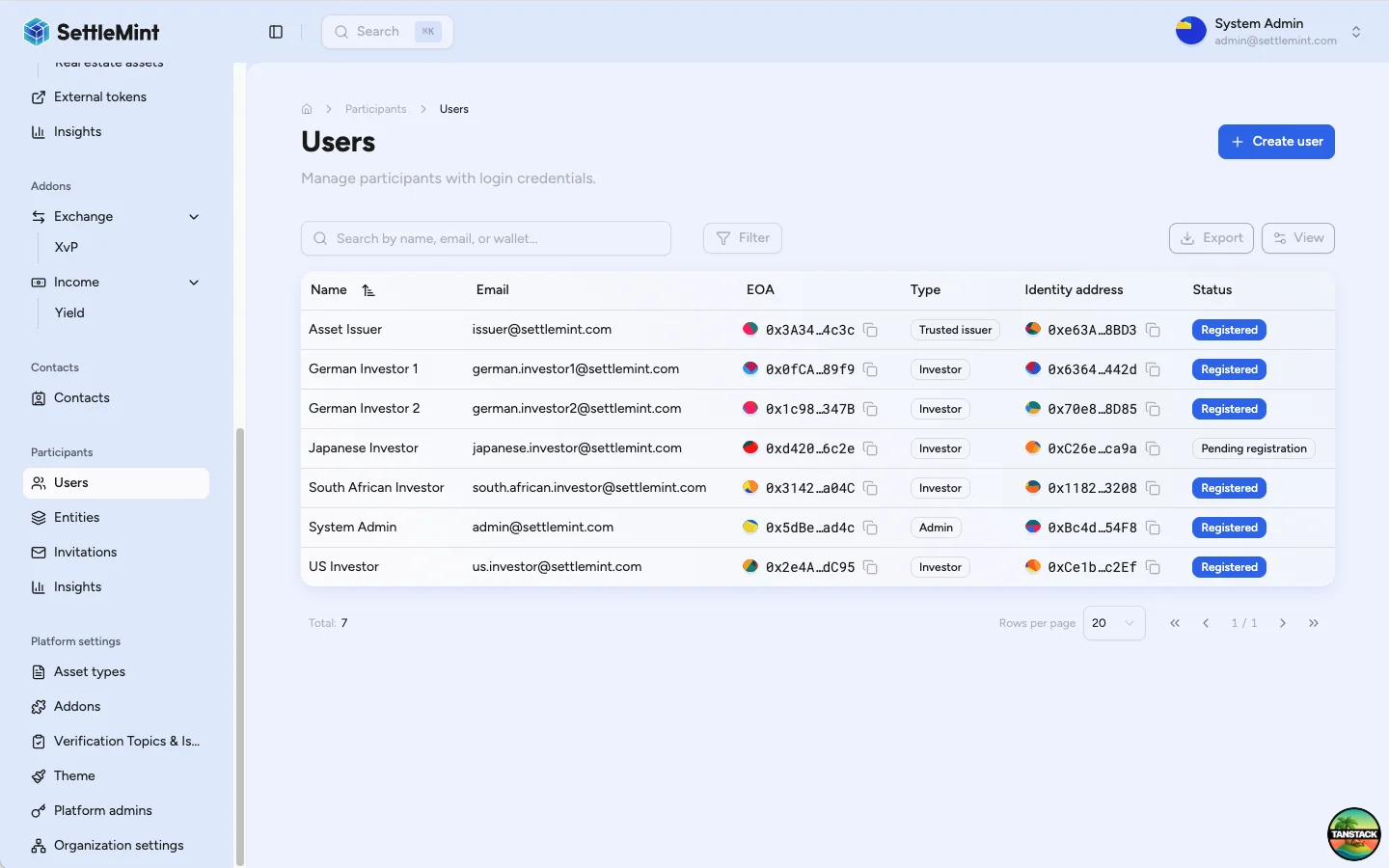
- Open Participants > Users.
- Find the user.
- Confirm the user has an Identity address.
When no identity address is present, pause this runbook. Ask the user to complete User Onboarding. After onboarding completes, return to the user profile.
Register the identity
Registration adds the user's identity address to the on-chain identity registry with the jurisdiction used by compliance rules.
Follow Register User to:
- select the user from the Users list;
- click Register Identity;
- choose the jurisdiction from the user's approved documentation;
- submit the registration transaction.
Jurisdiction drives compliance checks
Select the jurisdiction from the user's legal residence or incorporation evidence. Compliance modules can use that country code when evaluating whether an asset transfer is allowed.
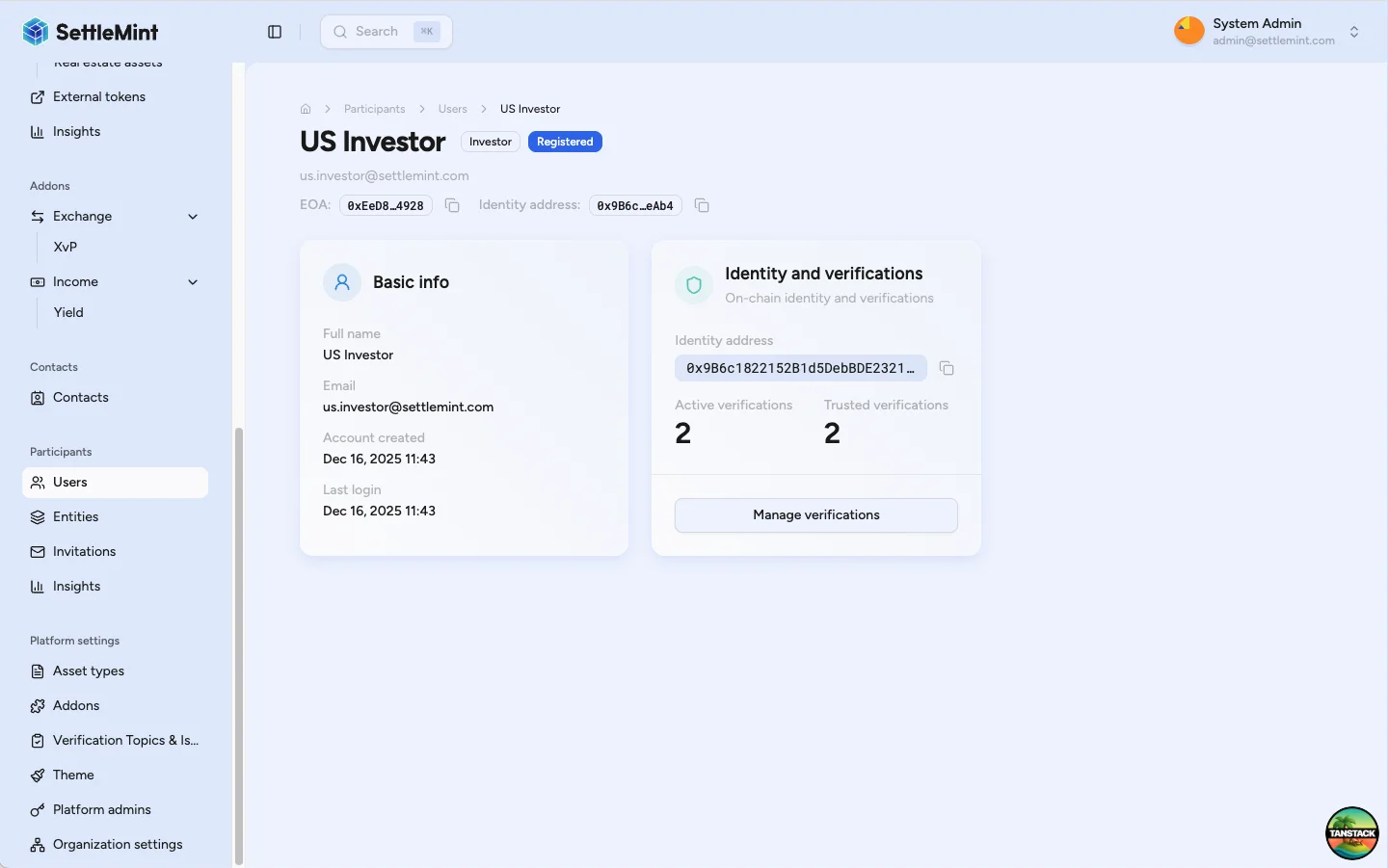
After the transaction confirms, reopen or refresh the user profile and confirm the user shows Registered.
Issue the KYC verification
With the identity registered, follow Verify KYC to issue the KYC verification from a trusted issuer identity:
- open the user's profile;
- click Manage verifications;
- click Issue verification;
- select Know Your Customer (KYC);
- submit the verification transaction.
Trusted issuer status matters
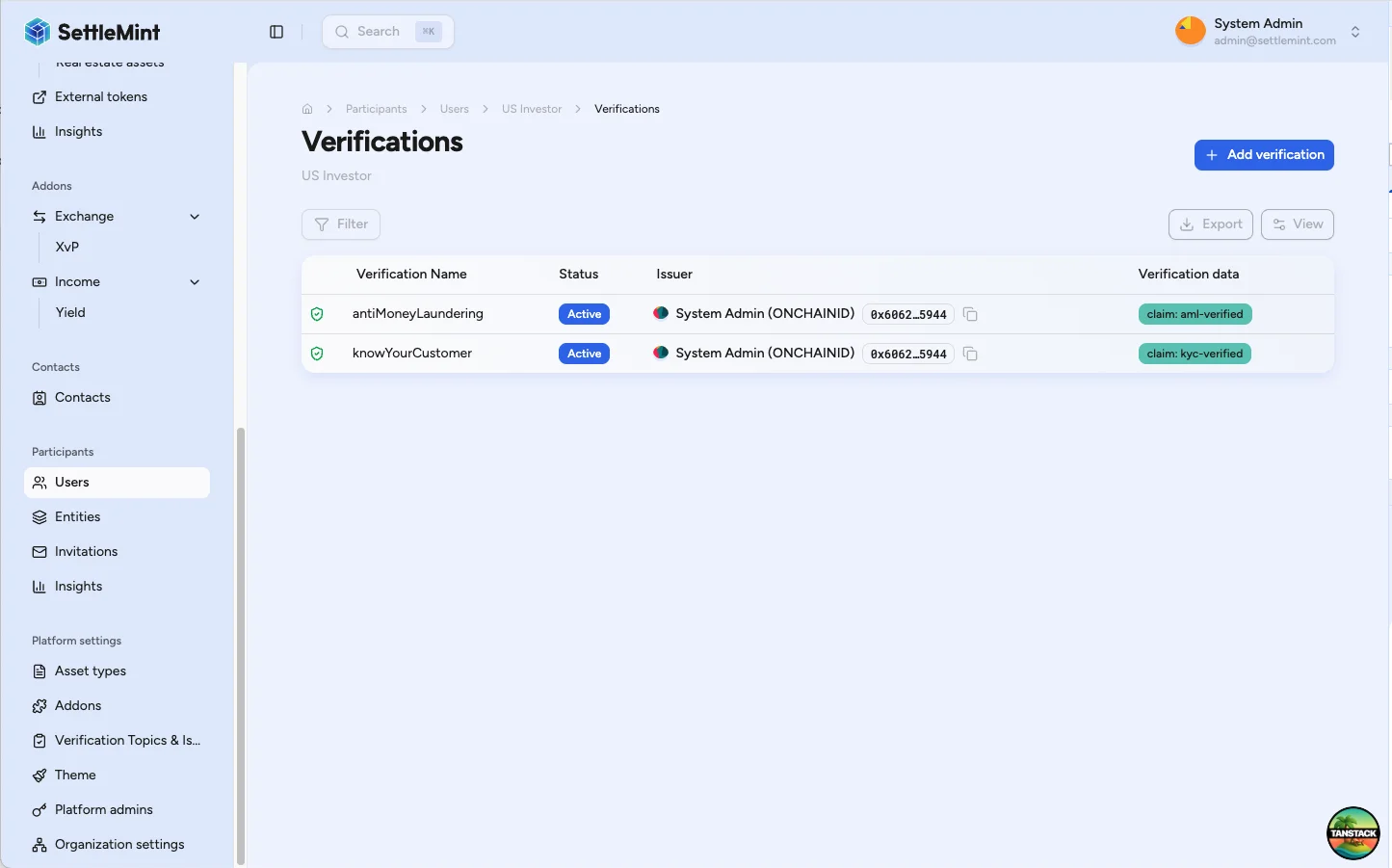
DALP compliance rules only accept a claim when the issuer is trusted for that claim topic. A green shield next to the KYC verification shows the issuer is trusted for that topic.
Confirm completion
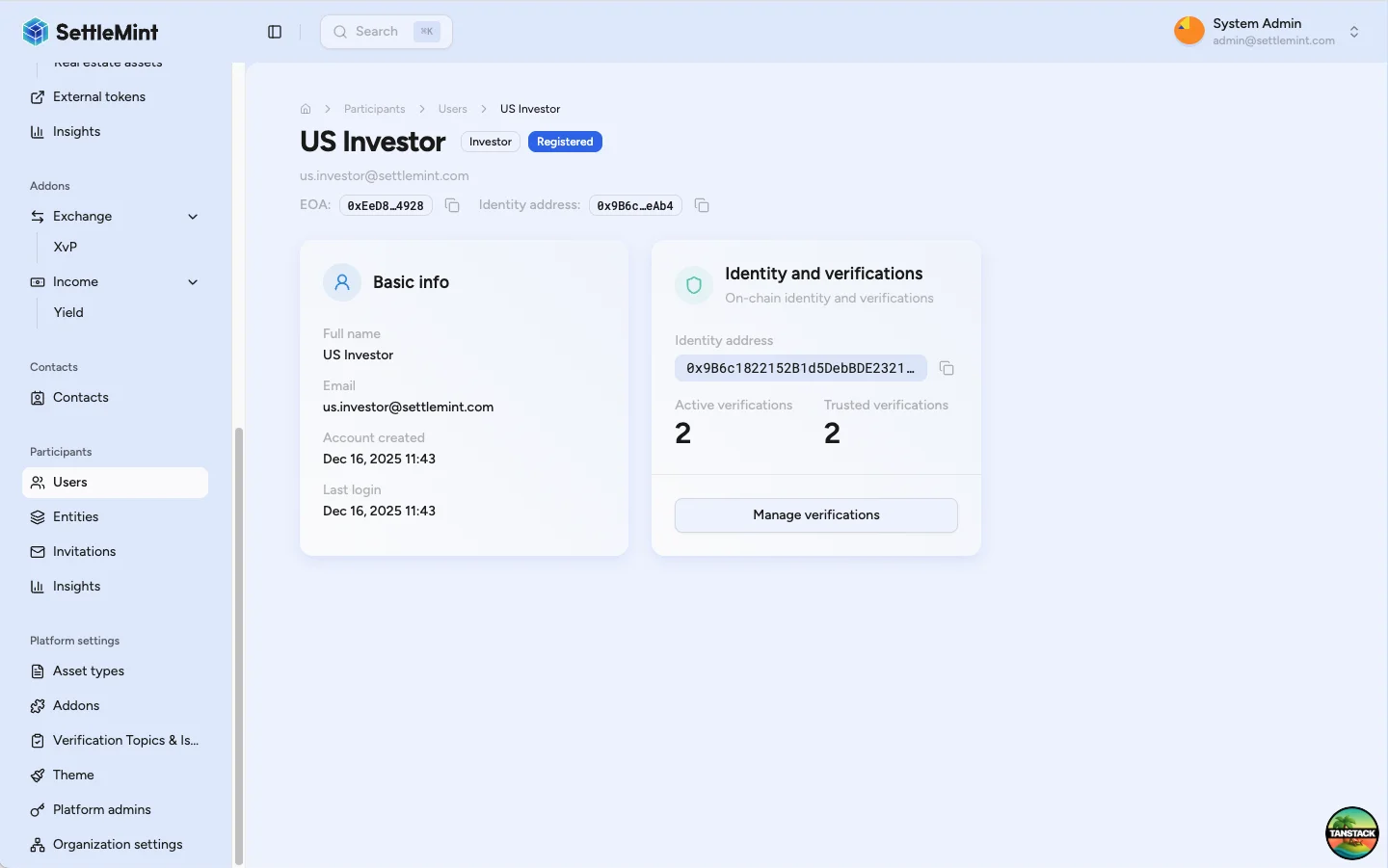
After the KYC verification transaction confirms:
- the user's profile shows the KYC verification;
- the verification shows the trusted issuer shield;
- asset rules that require KYC can evaluate the user;
- asset-specific claims still need to be issued separately.
Troubleshooting
| Issue | What to check |
|---|---|
| Register Identity is not visible | Confirm your account has the Identity Manager role and the user has an identity address. |
| Registration transaction fails | Confirm the operator wallet has gas, the selected jurisdiction is correct, and the user identity is not already registered. |
| Issue verification is not visible | Confirm your account has the Verification Issuer role, claim-creation permission, and a registered identity for the user. |
| KYC verification has no green shield | Confirm your issuer identity is configured as a trusted issuer for the KYC topic. |
| User still cannot receive the target asset | Check whether the asset requires more claims, trusted issuers, jurisdiction rules, or investor-status verifications beyond KYC. |
Related guides
- User Onboarding explains the account and wallet setup that must happen before this runbook.
- Register User covers the registry transaction in detail.
- Verify KYC covers issuing verification claims.
- Configure Trusted Issuers explains how to trust issuer identities for specific claim topics.
- Claims and identity explains how DALP evaluates identity claims during token operations.