

Authentication
DALP authenticates browser operators and API integrations before authorization and wallet verification decide what each request may do.
The platform separates account authentication from transaction verification. A browser session proves who is using the platform. Authorization checks decide what you or your integration may access. Wallet verification adds a separate signing confirmation before browser-initiated blockchain writes. These three layers are independent: passing one does not satisfy another. Related pages: Authorization, Wallet Verification, Account Security, Identity and Compliance, Signing Flow, and SSO sign-in (OIDC).
What does authentication control?
Authentication controls entry to protected platform areas and identifies your account for audit and authorization. It never releases a signing key or submits an EVM transaction on its own.
| Layer | What it proves | Where it applies |
|---|---|---|
| Session authentication | The browser operator has a valid DALP account session | Protected console routes and user-driven API calls |
| Account two-factor authentication | The operator completed account-level TOTP setup when the deployment requires it | Protected console routing before normal work continues |
| API key authentication | An integration presents a scoped machine credential | Machine-to-machine API calls |
| Wallet verification | The browser operator confirms a signing request with a wallet credential | Browser-initiated blockchain write operations |
| Authorization | The authenticated user or integration has permission for the requested operation | Every protected route and API procedure |
How do operators sign in and stay signed in?
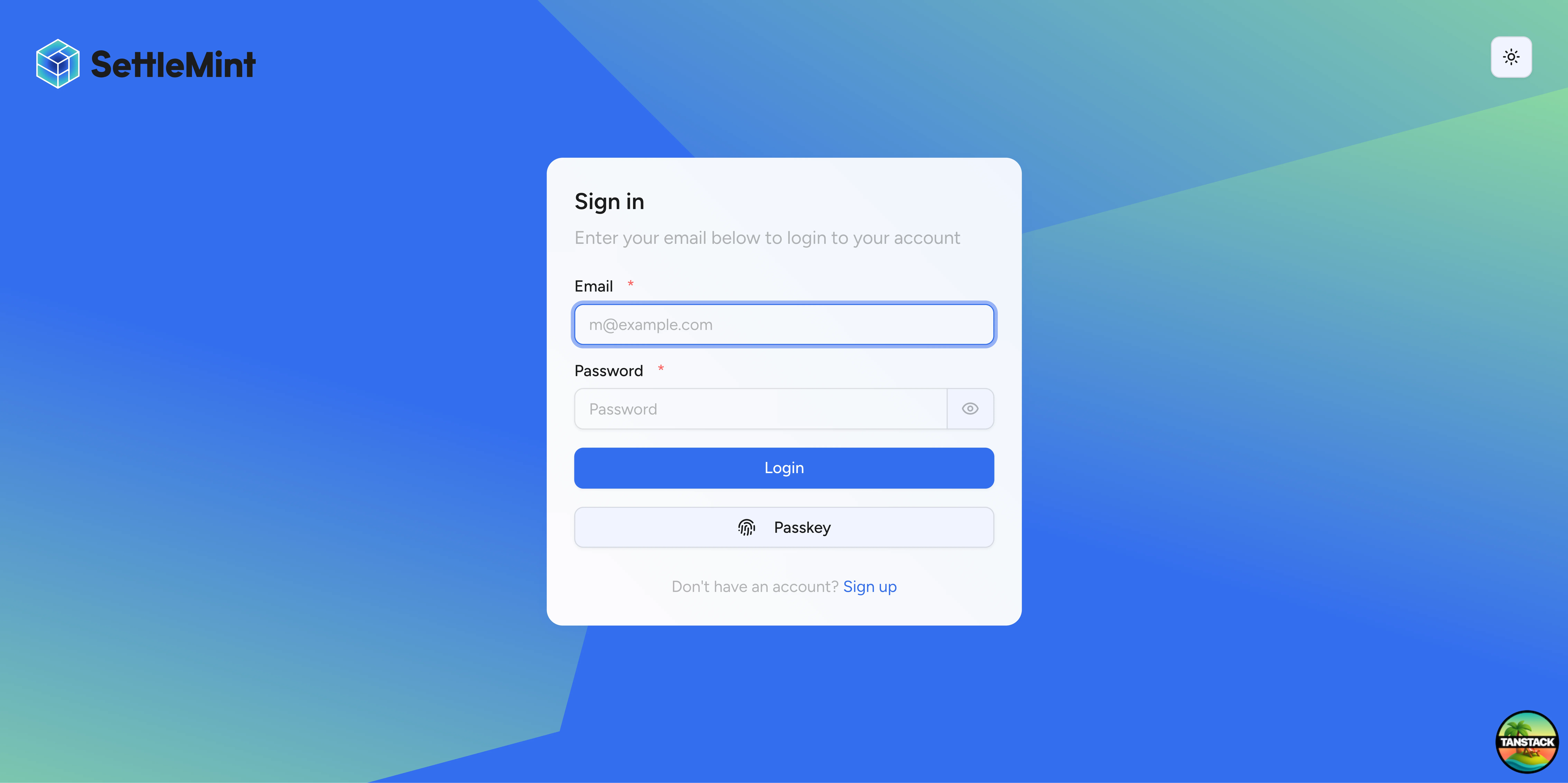
Browser operators sign in with account credentials and receive an HTTP-only session cookie. DALP validates the session before routing the user into protected console areas.
| Session property | Value |
|---|---|
| Cookie storage | HTTP-only session cookie |
| Session lifetime | 7 days |
| Refresh cadence | Active sessions refresh after 24 hours |
| Fresh-session window | 5 minutes for sensitive auth operations |
| Cookie cache | Up to 10 minutes |
| Organisation context | Protected app routing requires an active organisation after onboarding or invitation acceptance |
If the session is missing or expired, DALP sends the operator back to sign in. If the session is valid but has no active organisation, DALP routes the operator to the next eligible onboarding or invitation step.
How does mandatory account 2FA work?
A deployment can require account-level two-factor authentication. When enforcement is active, protected app routes check whether the signed-in user has enabled account 2FA. Users without account 2FA go to /auth/two-factor-setup before normal app work continues.
The setup flow:
- The operator signs in.
- DALP detects that account 2FA is required and missing.
- DALP routes the operator to the two-factor setup page.
- The operator confirms their password.
- DALP generates an
otpauth://URI for an authenticator app. - The operator scans the QR code and enters the current 6-digit code.
- DALP records account 2FA as enabled and displays backup codes.
- The operator stores the backup codes separately, then confirms I have saved my backup codes before Done activates.
The backup codes are displayed only once and are never shown again. The Done button stays disabled until the operator confirms the codes are saved, so a single click cannot discard the account-recovery codes by mistake.
The QR code is generated in the browser during enrollment. The TOTP URI is not sent to a third-party QR-code image service.
Account TOTP settings:
| Setting | Value |
|---|---|
| Issuer | DALP | SettleMint |
| Code length | 6 digits |
| Rotation period | 30 seconds |
| Trusted device window | 30 days |
During first organisation deployment, DALP can let the operator finish deployment before account 2FA setup. Browser blockchain writes still require wallet verification before signing proceeds.
How does wallet verification differ from account 2FA?
Account 2FA protects access to the DALP account. Wallet verification protects signing requests. They are separate controls and use separate user state.
| Control | What you do | Platform state | Used for |
|---|---|---|---|
| Account 2FA | Scan an authenticator QR code during account security setup | Account 2FA active for the operator | Protected app access when 2FA enforcement is active |
| Wallet PIN | Set a 6-digit wallet PIN | PIN set for the wallet | Browser blockchain writes |
| Wallet TOTP | Scan a wallet-verification authenticator QR code | Wallet OTP active for the wallet | Browser blockchain writes |
| Wallet backup codes | Store generated recovery codes | Recovery codes confirmed for the wallet | Browser blockchain writes and recovery |
For transaction-signing API calls, send walletVerification.verificationType as PINCODE, OTP, or SECRET_CODES. The signing middleware rejects missing wallet verification for browser sessions and rejects unsupported verification types before signing. API key sessions skip wallet verification because the scoped API key is the machine credential for that request.
See Wallet Verification for the request shape and signing-gate behavior. See Account Security for the operator steps that manage PIN, recovery codes, passkeys, sessions, and account 2FA.
How do passkeys fit in?
Passkeys provide WebAuthn-based account authentication for browser sign-in. Hardware security keys and platform authenticators such as Face ID, Touch ID, and Windows Hello reduce password risk because the credential is bound to the origin domain and does not expose a shared secret to DALP.
Account passkeys are not the same as wallet verification. A passkey used for account sign-in does not replace the PINCODE, OTP, or SECRET_CODES wallet verification value required by browser transaction-signing requests.
DALP can register browser passkey credentials for account sign-in. Passkeys are not a wallet verification type. The walletVerification.verificationType field accepts only PINCODE, OTP, or SECRET_CODES.
How do API keys authenticate integrations?
Machine-to-machine integrations authenticate with API keys. API keys are scoped credentials for automated workflows and bypass the browser-session flow entirely.
| Aspect | Implementation |
|---|---|
| Format | sm_dalp_ prefix plus 16 random characters |
| Storage | Hashed in the database; cleartext is shown once at creation |
| Metadata | Optional key-value metadata for tracking and organisation |
| Permissions | Per-key permissions limit access to procedure namespaces |
| Rate limit | 10,000 requests per 60-second window per key |
| Wallet verification | Skipped for API key sessions |
Keys inherit from your user role and can be revoked when an integration no longer needs access. Use the narrowest scope that supports the integration's job.
What should production operators check?
Confirm these authentication controls match the deployment policy before going to production:
- Enforce account 2FA when operators must use TOTP to enter protected app areas.
- Confirm split onboarding is intentional if first deployment must complete before account 2FA setup.
- Require every browser signing workflow to collect wallet verification; do not submit a blockchain write without it.
- Keep account 2FA and wallet verification recovery procedures separate, because account access recovery and signing recovery protect different risks.
- Issue API keys only for machine workflows, scope them narrowly, rotate them on operator changes, and revoke unused keys.
- Do not treat account passkeys as wallet-signing approval unless the wallet verification contract explicitly supports that method.
Security design principles
Authentication is layered: it identifies the caller, authorization checks permissions, and wallet verification confirms signing intent. The layers are independent, so each must pass before the next applies.
The platform fails closed. Missing sessions, missing organizations, missing required 2FA, invalid wallet verification, and expired credentials all stop the request before protected work continues.
Wallet TOTP verification tracks used codes, so an accepted OTP cannot be reused within the used-code retention window.
API keys use scoped, rate-limited machine credentials and skip the wallet-verification dialog. Authentication and verification outcomes are recorded with user identity, organisation context, method, and result.
Security overview
DALP security separates identity, access, wallet verification, on-chain compliance, and custody controls so reviewers can see which gate owns each asset-operation decision.
Authorization
DALP authorizes asset operations through platform RBAC, organisation context, wallet verification for browser-session writes, and on-chain roles for the contract operation being requested.