

Data feeds overview
Understand issuer-signed scalar data feeds, their architecture, required permissions, and configuration properties.
On-chain scalar feeds deliver signed numeric data for asset prices, FX rates, NAV inputs, collateral ratios, yield inputs, and other metrics. As a platform administrator, you configure feeds. Feed operators publish values, your developers read resolved prices, and auditors review who controls each part of the setup.
A feed setup answers four questions before the platform accepts any value:
- What data is allowed? A verification topic defines the schema. Issuer-signed scalar feeds use the fixed signature
(int256 value). - What entity does the data describe? A feed scope points the value at a global market pair, an asset, or an identity.
- Who may publish the value? A trusted issuer must hold authorization for the topic. Publishing also requires an EIP-712 signature from that issuer.
- Who consumes the value? Smart contracts, portfolio views, asset reporting, and the token price API read the latest indexed or on-chain feed data according to their own pricing rules.
DALP records feed authorization, signed submissions, feed contract state, and indexed price reads. Off-chain pricing policy, data provider SLAs, economic validation of submitted values, and non-scalar oracle designs stay outside this user flow except for the Chainlink-compatible feed registration option.
Before a numeric value can affect an on-chain asset calculation, the platform must know the topic, feed scope, trusted issuer, and submitted value. Price APIs, reporting screens, and portfolio views also need the Ledger Index to process the submission. The decision table under "Decide what to configure next" identifies the right starting point.
Feed mental model
A data feed combines three on-chain concepts:
- Verification topic - Defines the data schema. Scalar feed topics use the fixed signature
(int256 value). - Feed contract - Stores configuration such as decimals, history mode, drift allowance, and submitted values.
- Trusted issuer - An identity authorized to publish updates to feeds using a given topic.
The topic sets the shape of the value. The feed determines where it belongs and how submissions are stored. The trusted issuer controls who can publish updates. Separating these concerns lets you grant schema authority to one role, feed registration to another, and publish access to a market data operator, without giving that operator administration rights.
Feed state lifecycle
A feed value becomes usable only after each dependency is visible to the platform:
| Stage | What must be true | What can read it |
|---|---|---|
| Topic registered | The scalar feed topic exists with the (int256 value) schema. | Feed creation can select the topic. |
| Feed registered | The platform links the feed contract to a scope, subject address, source type, decimals, and history mode. | Organisation settings and feed lists can show the feed once indexed. |
| Issuer trusted | The compliance administrator has authorized the publisher identity for the feed topic. | Publishing can submit signed values for that topic. |
| Value submitted | The issuer signs the value, timestamp, feed address, nonce, and deadline, and the feed accepts the update. | Smart contracts can read on-chain feed state. |
| Value indexed | The indexer has processed the feed update event. | Price APIs, reporting screens, and portfolio views can resolve the latest indexed value. |
This lifecycle explains why a newly created feed can appear before its first value reaches a price API. Each stage completes independently: registration, signing, on-chain submission, and indexing.
Who owns each part
| Part | Owner | What they control | What they do not control |
|---|---|---|---|
| Verification topic | Verification policy manager | Topic name and scalar feed kind | Feed deployment, feed values, or trusted issuer assignments |
| Feed registration | Feeds manager | Scope, subject address, source type, decimals, history mode, positivity rule, and drift allowance | Whether a publisher is trusted for the topic |
| Trusted issuer assignment | Compliance or verification administrator | Which identity may issue updates for the topic | Feed configuration or submitted values |
| Feed update | Trusted issuer and its signer | The signed numeric value submitted to the feed | Topic schema, feed scope, or immutable feed properties |
| Price and reporting consumption | Platform services and smart contracts | How platform services resolve active feed data for prices, reporting, and calculations | The economic correctness of an off-chain value before the issuer signs it |
Decide what to configure next
| If you need to... | Configure this first | Then read |
|---|---|---|
| Define a new category of numeric data, such as a price, rate, or score | Scalar feed topic | Create a topic |
| Attach data to a market pair, token, or identity | Feed scope and feed properties | Create a feed |
| Allow an identity to publish updates | Trusted issuer for the feed topic | Configure trusted issuers |
| Submit the latest value | Signed feed update | Publish a feed update |
| Change or stop resolving an existing feed | Directory registration | Replace or remove a feed |
| Read token prices or FX conversion paths from an integration | Indexed token price endpoint | Token price resolution API |
Required permissions
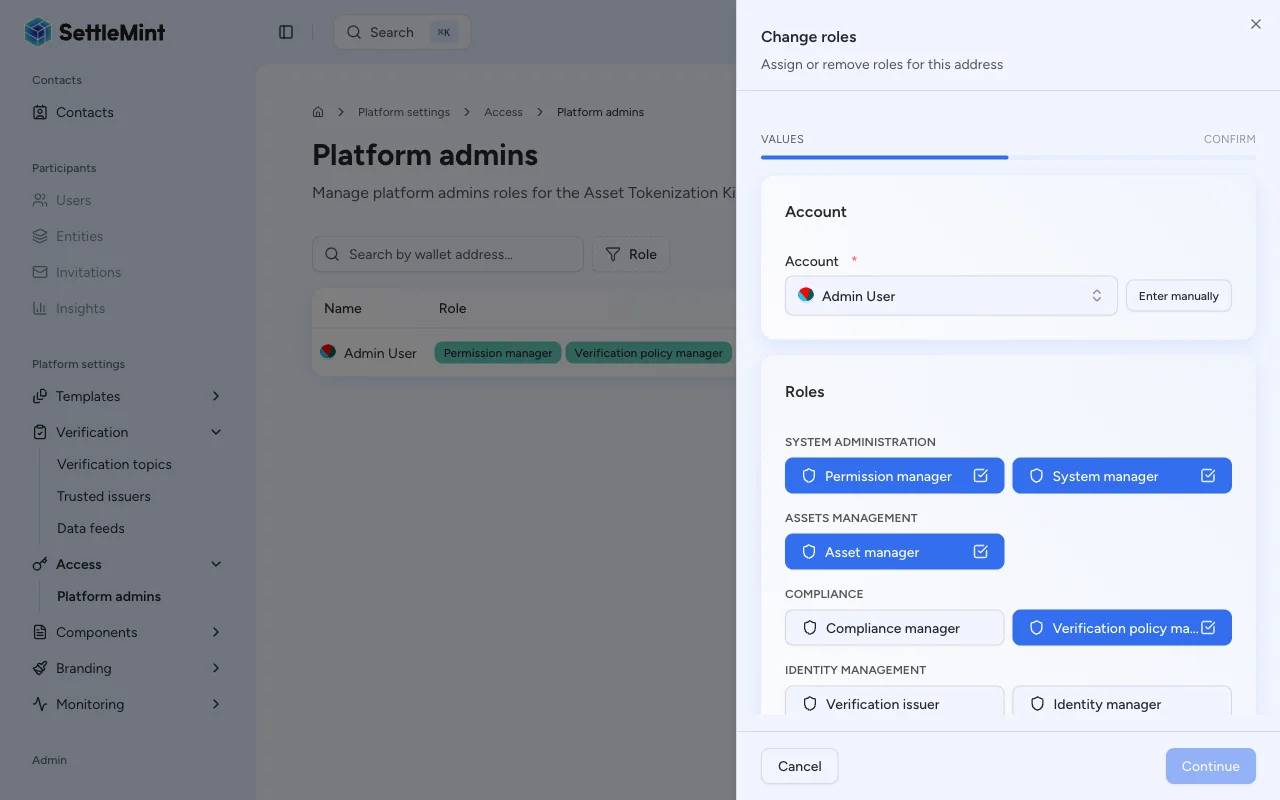
Each operation requires a specific platform role. Assign roles on the Admins & roles page in Organisation settings.
| Operation | Required role | UI label |
|---|---|---|
| Create / delete / update verification topics | claimPolicyManager | Verification policy manager |
| Register / replace / remove feeds | feedsManager | Feeds manager |
| Publish feed updates | No platform role required | Any user with an associated identity, but the identity must hold trusted issuer status for the feed's topic |
Feed scopes
Each feed you register targets a subject address that determines what entity the data describes.
| Scope | Subject address | Use case |
|---|---|---|
| Global | Zero address (0x000...000) | Market-wide data such as BTC/USD or ETH/USD exchange rates |
| Asset-scoped | Token contract address | Asset-specific data such as a bond's NAV or a deposit's interest rate |
| Identity-scoped | Identity contract address | Entity-specific data such as a credit score or risk rating |
Choose the narrowest scope that matches your data. A global feed handles market data shared across assets, such as an FX pair. An asset-scoped feed targets data that belongs to one token, such as a base price or NAV input. An identity-scoped feed tracks data tied to a specific identity.
Pricing feed consumers
Pricing flows usually combine an asset-scoped base-price feed with FX feeds covering global market pairs. The asset-scoped feed gives DALP the token's base price. FX feeds connect that source currency to the organization's reporting currencies, or to the currency an API client requests.
| Consumer | Feed data used | What it helps explain |
|---|---|---|
| Token price API | Asset-scoped base-price feed plus global FX feeds when conversion is needed | Returned price, target currency, source currency, and conversion path |
| Portfolio and asset reporting | Exchange-rate feeds for the currencies enabled for the organization | Reporting currencies available to the organization |
| Asset-specific calculations | Asset-scoped feeds for NAV, collateral ratios, yield inputs, or other configured metrics | External numeric input used by the asset calculation |
When a direct FX pair is unavailable, the token price API resolves the shortest indexed conversion path across available FX feeds. The API also uses inverse edges when the reverse pair exists. If no path falls within the allowed hop limit, the API returns an unresolved conversion rather than inventing a rate.
Your integration can inspect the resolved price, source currency, and conversion path through the token price resolution API.
Exchange-rate target currencies
DALP uses exchange-rate feeds to convert portfolio and asset values into the currencies your organization supports for reporting. During setup, you must include the base currency in the selected list; at least one other currency must differ from it.
Setup normally uses the exchange-rate provider's supported-currency snapshot. When that snapshot is not yet available, DALP starts from the standard targets EUR, SGD, AED, and JPY. The setup workflow creates feeds for the selected non-base currencies, so choosing EUR as the base currency produces initial target feeds for SGD, AED, and JPY.
After setup, administrators review enabled currencies from Organisation settings > Exchange rates and can add new supported currencies from that page. The platform cannot remove existing currencies. Their feeds are registered on-chain and may already back historical valuations, NAV reporting, and portfolio views. The on-chain feed record persists even if a currency becomes inactive. For the step-by-step task, see Add a reporting currency.
When you add a supported currency, DALP creates the corresponding issuer-signed scalar feed for that pair. The exchange-rate refresh cycle then populates the feed, so a newly added currency may appear in the list before its first refreshed value arrives.
Infrastructure readiness
System and organization setup prepare the shared feed infrastructure so the platform can create exchange-rate feeds. DALP registers the shared price topic, resolves the issuer-signed scalar feed factory, and waits until the indexer can see the required feed events to continue.
Feed creation and value seeding are separate steps. Creating exchange-rate feed contracts requires the feeds manager role. During organization setup, DALP checks the administrator wallet before creating the initial exchange-rate feeds and restores that role when needed. Seeding the first values requires an issuer identity authorized for the price topic, plus a signer that identity has approved. When the trust state is not yet visible, DALP creates the feed contracts and allows the refresh cycle to publish values once trust state becomes ready.
These setup steps are repeat-safe. When the topic or factory already exists, DALP uses the existing on-chain configuration rather than creating a duplicate. Temporary RPC, transport, or indexer visibility issues are safe to retry; setup continues once the dependency catches up.
For architecture details, see Feeds system.
Feed properties reference
The platform sets these properties when you create a feed and does not allow changes after deployment.
| Property | Values | Description |
|---|---|---|
| Data format | Numeric (Scalar) | The data type stored by the feed. Currently only scalar (int256) is supported. |
| Topic name | Selected from registered topics | The verification topic that defines the feed's data schema. Only topics with the (int256 value) signature are available for scalar feeds. |
| Source type | Issuer-signed, Chainlink | How values reach the feed. Issuer-signed uses EIP-712 signatures; Chainlink reads from an external oracle contract. |
| Decimals | 0 - 18 | The number of decimal places for the stored value. For example, a USD price with 8 decimals stores 100000000 to represent 1.00. |
| Description | Free text | A human-readable description of what the feed measures. Required for issuer-signed feeds. |
| History mode | Latest only, Bounded, Full | Controls how many past values the feed retains. |
| History size | Integer >= 1 | Only used with Bounded history mode. Sets the maximum number of historical values to keep in a circular buffer. |
| Require positive | On / Off | When enabled, the feed contract rejects any submitted value that is zero or negative. |
| Drift allowance | Integer (seconds) | Maximum allowed time difference between the observedAt timestamp in a submission and the current block timestamp. Set to 0 to disable drift checking. |
History modes explained
- Latest only: The feed stores only the most recent value; the platform overwrites previous values. Use this mode when you only need the current price.
- Bounded: The feed keeps a fixed-size circular buffer of past values set by the History size property. When the buffer is full, the platform drops the oldest value. Use this mode when you need moving averages or volatility calculations.
- Full: The feed stores every submitted value permanently. Choose this mode when you need a complete audit trail; it uses more on-chain storage.
Setup workflow
Setting up a data feed requires four steps in sequence. Each step depends on the previous. The feed contract needs the topic to exist. Publishing needs a registered trusted issuer. Value indexing requires the feed contract to be deployed before you submit the first value.
Create a scalar feed topic
Register a verification topic with the feedScalar kind. This step sets the data schema that all feeds of this type share. For detailed instructions, see Create a topic.
Register a trusted issuer
Add the identity that will publish feed updates as a trusted issuer for the topic. The feed adapter contract rejects submissions from identities that do not hold this status. For setup instructions, see Configure trusted issuers.
Create the feed
Register a new feed contract. Choose the scope and topic, then set the remaining configuration properties. See Create a feed.
Publish updates
Submit signed values to the feed. See Publish a feed update.
Limits and operating scope
| Scope item | What it means |
|---|---|
| Scalar data only | The user flow creates scalar feeds with the (int256 value) signature. Bytes feed topics are not selectable in this workflow. |
| Immutable feed properties | The platform sets scope, source type, decimals, history mode, positivity rule, and drift allowance at registration. Create a replacement feed when those properties need to change. |
| Trusted issuer enforcement | A platform role is not enough to publish. The submitting identity must hold trusted issuer status for the feed topic, and the signed update must pass feed validation. |
| Price and reporting reads | The token price API and reporting views read indexed feed data. The Ledger Index must process newly created feeds or newly published values before API clients see them. |
| Submit retry safety | Feed update submission runs through the transaction queue. Use an idempotency key on API retries so duplicate requests resolve to the same queued submission result. |
| External value quality | DALP validates authorization, signature, positivity, and drift rules. The platform does not decide whether the signed market price or metric is economically correct. |
Related guides
- Create a topic - Register a scalar feed verification topic
- Create a feed - Register a global or asset-scoped feed
- Publish a feed update - Submit a signed value
- Set a token price - Record or update a token's issuer-signed base price from the Console
- Replace or remove a feed - Change the active feed for a subject and topic, or stop resolving it
- Token price resolution API - Read token prices and FX conversion paths from indexed feeds
- Configure trusted issuers - Authorize issuers for topics
- Install addons - Install the Issuer-Signed Scalar Feed addon