

Overview
Local settlements execute all asset transfers atomically on a single blockchain. Learn when to use local settlements and how the approval workflow operates.
Local settlements handle multi-party asset exchanges where every asset exists on the same blockchain. The settlement contract escrows each sender's assets during approval, then executes all flows in one transaction once every required sender approves.
When to use local settlements
Use local settlements when:
- All assets being exchanged are on the same blockchain.
- The settlement does not need cross-chain coordination.
- All senders can approve the assets they contribute before the cutoff date.
For exchanges involving assets on different chains, see HTLC settlements.
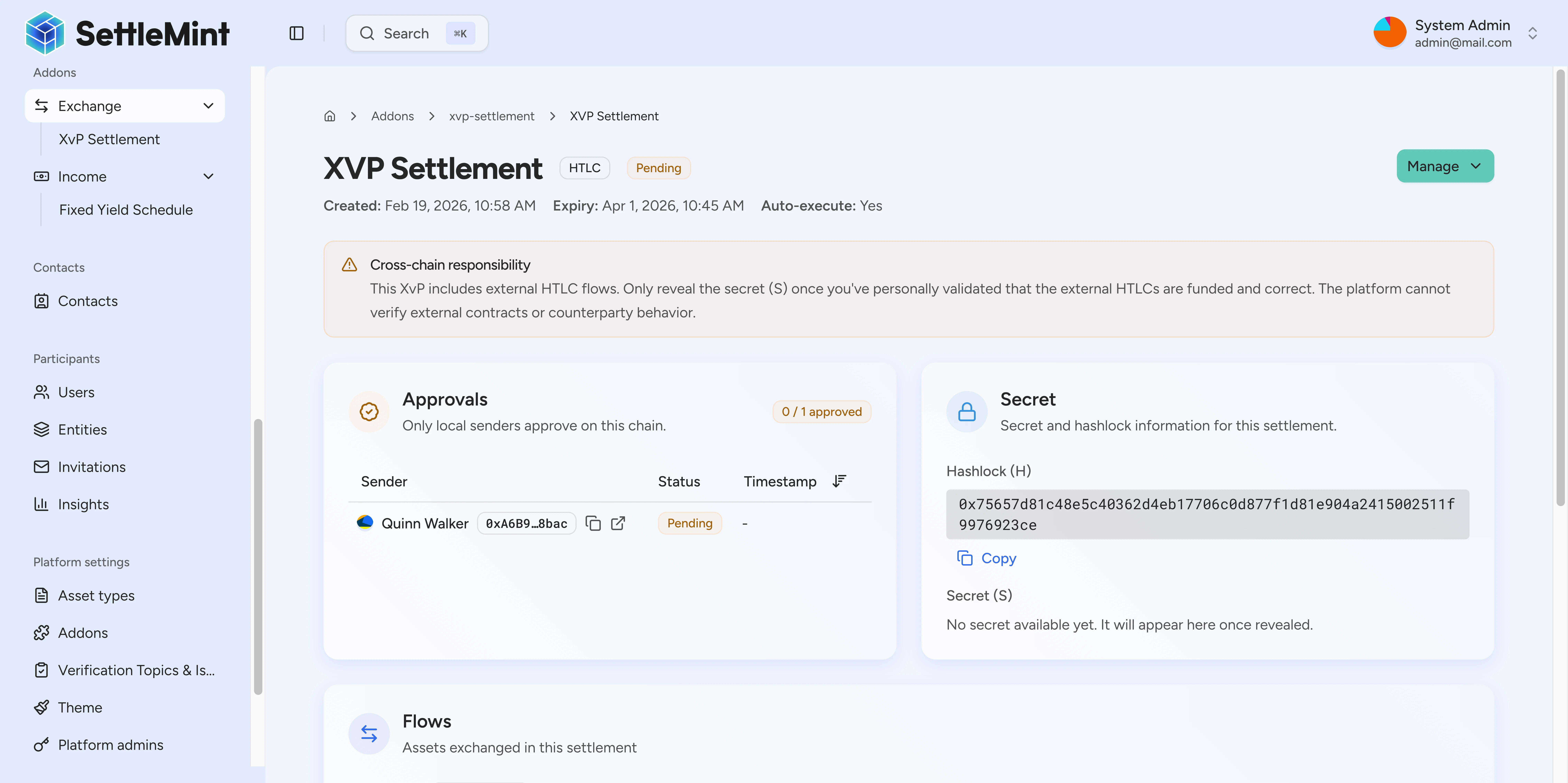
How local settlements work
- The creator defines flows: the asset, amount, sender, and recipient for each transfer.
- Each sender approves by locking the assets they contribute into the settlement contract.
- The settlement executes automatically after all approvals when auto-execute is on, or on a manual trigger when auto-execute is off.
- Recipients receive their assets in the same transaction.
State diagram
A settlement moves through five lifecycle stages. Each stage and its transitions are shown here.
| State | Description |
|---|---|
| Pending | Settlement created and waiting for sender approvals. |
| Ready | All senders approved and the settlement can execute. |
| Executed | All flows completed successfully in one transaction. |
| Cancelled | Settlement cancelled before execution. Locked assets return to their senders. |
| Expired | Cutoff date passed before execution. Locked assets can be withdrawn through the expiry flow. |
Auto-execute behavior
Auto-execute is a settlement setting. When enabled, the settlement runs as soon as all senders approve. You do not need to trigger it manually.
When auto-execute is off, anyone can trigger the settlement after all senders approve. This lets you do a final review before committing the flows.
Cancellation rules
A local participant is any address that sends or receives assets in a settlement flow. Any participant can cancel an open settlement before execution. When cancelled, all locked assets return to their original senders. See how to cancel a settlement.
For HTLC settlements that include external flows, cancellation has stricter conditions after every local sender has approved. See HTLC settlements before applying these cancellation rules to a cross-chain workflow.
Example scenario
In this corporate bond trade with a broker fee, Investment Bank holds 1,000 CORP-BOND corporate bonds, Asset Manager wants to purchase them for 100,000 USDC, and a Broker facilitated the trade and receives a 500 USDC fee.
The settlement covers three flows:
- Investment Bank to Asset Manager: 1,000 CORP-BOND.
- Asset Manager to Investment Bank: 100,000 USDC.
- Asset Manager to Broker: 500 USDC.
The Broker creates the settlement defining all three flows. The Investment Bank approves flow 1 and locks its bonds into the contract. The Asset Manager approves flows 2 and 3 and locks 100,500 USDC total. Once all approvals are in, the settlement executes: the Asset Manager receives bonds, the Investment Bank receives payment, and the Broker collects the fee, all in one transaction. For a step-by-step trace with balance tracking, see the local settlement walkthrough.
Further reading
Use these pages to complete a settlement or to explore cross-chain alternatives. Each page covers a specific operation in depth.
Step-by-step example of a complete local settlement with balance tracking at each stage.
How to define flows, set a cutoff, and submit a new settlement using the wizard.
How to approve your portion of a settlement. Approval locks your assets into escrow until the settlement executes or is cancelled.
XvP execution models
Clarify what DALP executes for local XvP settlement, what it records for external-flow settlement, and which off-chain checks remain outside the settlement contract.
Local settlement walkthrough
Follow a complete example of a local settlement where a Builder sells property tokens to a Buyer, with a Notary receiving a fee.