

Authentication
DALP authenticates browser operators and API integrations before authorization and wallet verification decide what each request may do.
DALP separates account authentication from transaction verification. A browser session proves who is using the platform. Authorization checks decide what that user or integration may access. Wallet verification adds a separate signing confirmation before browser-initiated blockchain writes.
Related pages:
What does authentication control?
Authentication controls entry to protected DALP areas and identifies the caller for audit and authorization. Authentication alone never releases a signing key or submits an EVM transaction.
| Layer | What it proves | Where it applies |
|---|---|---|
| Session authentication | The browser operator has a valid DALP account session | Protected console routes and user-driven API calls |
| Account two-factor authentication | The operator completed account-level TOTP setup when the deployment requires it | Protected console routing before normal work continues |
| API key authentication | An integration presents a scoped machine credential | Machine-to-machine API calls |
| Wallet verification | The browser operator confirms a signing action with a wallet credential | Browser-initiated blockchain write operations |
| Authorization | The authenticated user or integration has permission for the requested operation | Every protected route and API procedure |
How do operators sign in and stay signed in?
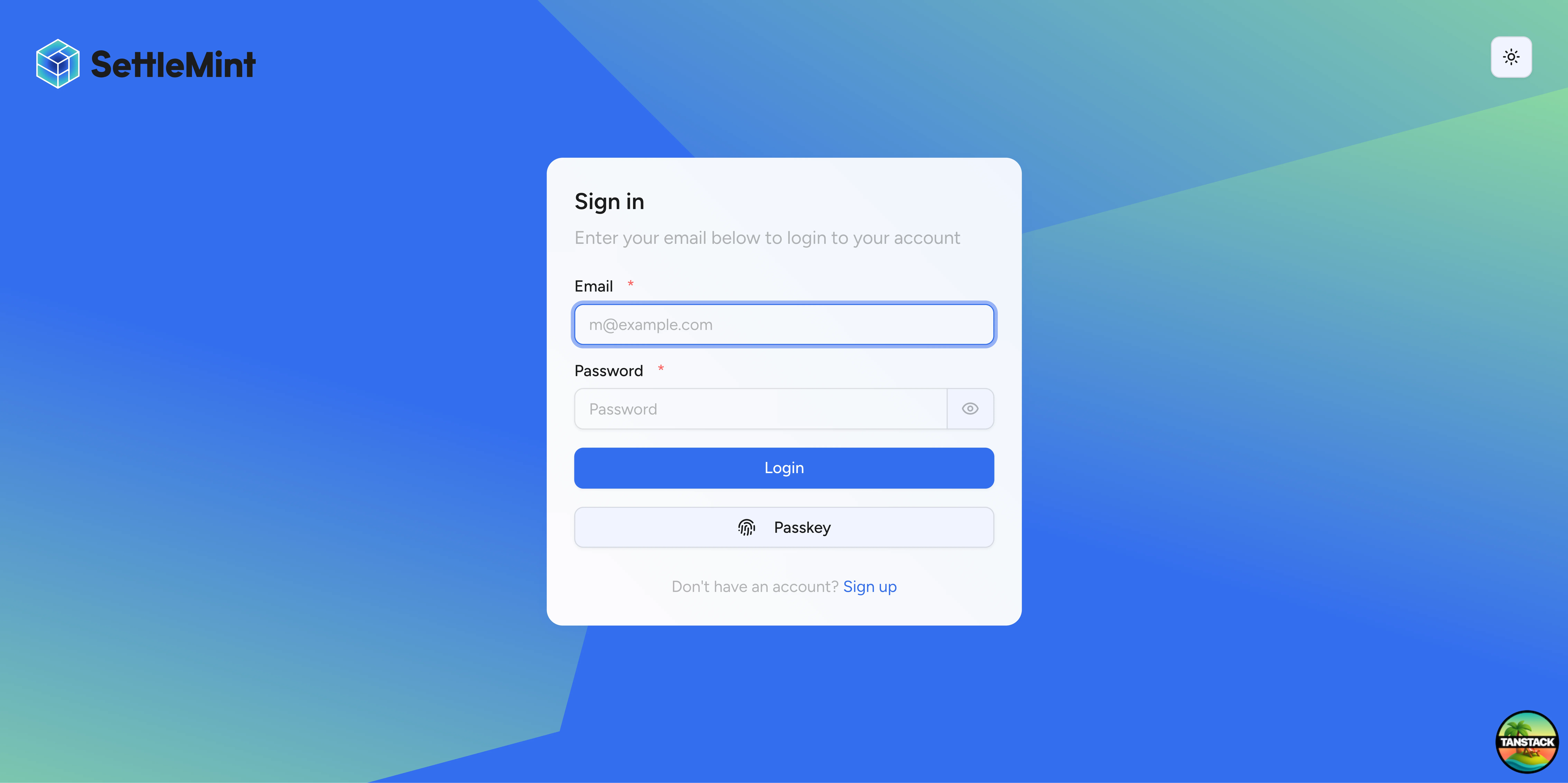
Browser operators sign in with account credentials and receive an HTTP-only session cookie. DALP validates the session before routing the user into protected console areas.
Session behavior:
- Cookie storage: session tokens are stored in HTTP-only cookies
- Session lifetime: sessions expire after 7 days
- Refresh cadence: active sessions refresh after 24 hours
- Fresh-session window: sensitive auth operations use a 5-minute fresh-session window
- Cookie cache: session cookie cache entries last up to 10 minutes
- Organization context: protected app routing expects an active organization after onboarding or invitation acceptance
If the session is missing or expired, DALP sends the operator back to sign in. If the session is valid but has no active organization, DALP routes the operator to the next eligible onboarding or invitation step.
How does mandatory account 2FA work?
A deployment can require account-level two-factor authentication. When enforcement is active, protected app routes check whether the signed-in user has enabled account 2FA. Users without account 2FA go to /auth/two-factor-setup before normal app work continues.
The setup flow:
- The operator signs in.
- DALP detects that account 2FA is required and missing.
- DALP routes the operator to the two-factor setup page.
- The operator confirms their password.
- DALP generates an
otpauth://URI for an authenticator app. - The operator scans the QR code and enters the current 6-digit code.
- DALP records account 2FA as enabled and displays backup codes.
- The operator stores the backup codes separately, confirms the step, and returns to the app.
The QR code is generated in the browser during enrollment. The TOTP URI is not sent to a third-party QR-code image service.
Account TOTP settings:
| Setting | Value |
|---|---|
| Issuer | DALP | SettleMint |
| Code length | 6 digits |
| Rotation period | 30 seconds |
| Trusted device window | 30 days |
During first organization deployment, DALP can let the operator finish deployment before account 2FA setup. Browser blockchain writes still require wallet verification before signing proceeds.
How does wallet verification differ from account 2FA?
Account 2FA protects access to the DALP account. Wallet verification protects signing actions. They are separate controls and use separate user state.
| Control | User action | Platform state | Used for |
|---|---|---|---|
| Account 2FA | Scan an authenticator QR code during account security setup | Account 2FA enabled for the operator | Protected app access when 2FA enforcement is active |
| Wallet PIN | Set a 6-digit wallet PIN | Wallet PIN enabled for the wallet | Browser blockchain writes |
| Wallet TOTP | Scan a wallet-verification authenticator QR code | Wallet OTP enabled for the wallet | Browser blockchain writes |
| Wallet backup codes | Store generated recovery codes | Recovery codes confirmed for the wallet | Browser blockchain writes and recovery |
For transaction-signing API calls, send walletVerification.verificationType as PINCODE, OTP, or SECRET_CODES. The signing middleware rejects missing wallet verification for browser sessions and rejects unsupported verification types before signing. API key sessions skip wallet verification because the scoped API key is the machine credential for that request.
See Wallet Verification for the request shape and the signing-gate behavior.
How do passkeys fit in?
Passkeys provide WebAuthn-based account authentication for browser sign-in. Hardware security keys and platform authenticators such as Face ID, Touch ID, and Windows Hello reduce password risk because the credential is bound to the origin domain and does not expose a shared secret to DALP.
Account passkeys are not the same as wallet verification. A passkey used for account sign-in does not replace the PINCODE, OTP, or SECRET_CODES wallet verification value required by browser transaction-signing requests.
DALP can register browser passkey credentials for account sign-in. The current signing contract does not accept PASSKEY as a wallet verification type for transaction-signing API calls, so integrating developers should not send PASSKEY in walletVerification.verificationType unless the public API contract explicitly changes.
How do API keys authenticate integrations?
Machine-to-machine integrations authenticate with API keys. API keys are scoped credentials for automated workflows, not interactive browser sessions.
| Aspect | Implementation |
|---|---|
| Format | sm_dalp_ prefix plus 16 random characters |
| Storage | Hashed in the database; cleartext is shown once at creation |
| Metadata | Optional key-value metadata for tracking and organization |
| Permissions | Per-key permissions limit access to procedure namespaces |
| Rate limit | 10,000 requests per 60-second window per key |
| Wallet verification | Skipped for API key sessions |
Keys inherit from the creating user's role and can be revoked when an integration no longer needs access. Use the narrowest scope that supports the integration's job.
What should production operators check?
Before production use, confirm these authentication controls match the deployment policy:
- Enforce account 2FA when operators must use TOTP before entering protected app areas.
- Confirm split onboarding is intentional if first deployment must proceed before account 2FA setup.
- Require every browser signing workflow to collect wallet verification before a blockchain write.
- Keep account 2FA and wallet verification recovery procedures separate, because account access recovery and signing recovery protect different risks.
- Issue API keys only for machine workflows, scope them narrowly, rotate them on operator changes, and revoke unused keys.
- Do not treat account passkeys as wallet-signing approval unless the wallet verification contract explicitly supports that method.
Security design principles
- Layered checks: authentication identifies the caller, authorization checks permissions, and wallet verification confirms signing intent
- Fail closed: missing sessions, missing organizations, missing required 2FA, invalid wallet verification, and expired credentials stop the request before protected work continues
- Replay resistance: wallet TOTP verification tracks used codes so an accepted wallet OTP cannot be reused within the used-code retention window
- Machine separation: API keys use scoped, rate-limited machine credentials and do not depend on an interactive wallet-verification dialog
- Auditability: authentication and verification outcomes are tied to user identity, organization context, method, and result
Security overview
DALP security separates identity, access, wallet verification, on-chain compliance, and custody controls so reviewers can see which gate owns each asset-operation decision.
Authorization
DALP authorizes asset operations through platform RBAC, organization context, wallet verification for browser-session writes, and on-chain roles for the contract action being requested.