

Deploy and mint a bond
Step-by-step guide for creating and minting bond tokens using the DALP TypeScript client.
Bond issuance connects bond terms, denomination assets, compliance checks, and minting through DALP APIs.
Prerequisites
Before running these commands, you need to:
- Platform URL - Know your DALP platform URL (e.g.,
https://your-platform.example.com) - Deploy DALP - Have a running DALP instance (local or hosted)
- Sign up - Create a user account through the DALP UI with email/password
- Enable PINCODE - Set up PINCODE during onboarding. Manage it from Account → Wallet.
- Admin role - Your account must have
adminrole to grant system roles (Step 3) - Stablecoin (denomination asset) - Have a deployed stablecoin contract address. You can create one using the Stablecoin Guide or use an existing stablecoin contract address
Your wallet address is available during DALP signup and from Step 2. You also need a deployed stablecoin contract address for the denomination asset.
Quick reference
| Step | What | SDK call |
|---|---|---|
| 1 | Create the client | createDalpClient |
| 2 | Get user info | dalp.user.me |
| 3 | Grant system roles | Grant tokenManager role |
| 4 | Create bond | dalp.token.create, then recover if queued |
| 5 | Grant token roles | dalp.token.grantRole |
| 6 | Unpause | dalp.token.unpause |
| 7 | Mint bonds | dalp.token.mint |
| 8 | Verify | dalp.token.holders |
Bond token lifecycle flow
This diagram shows the complete bond deployment and minting workflow:
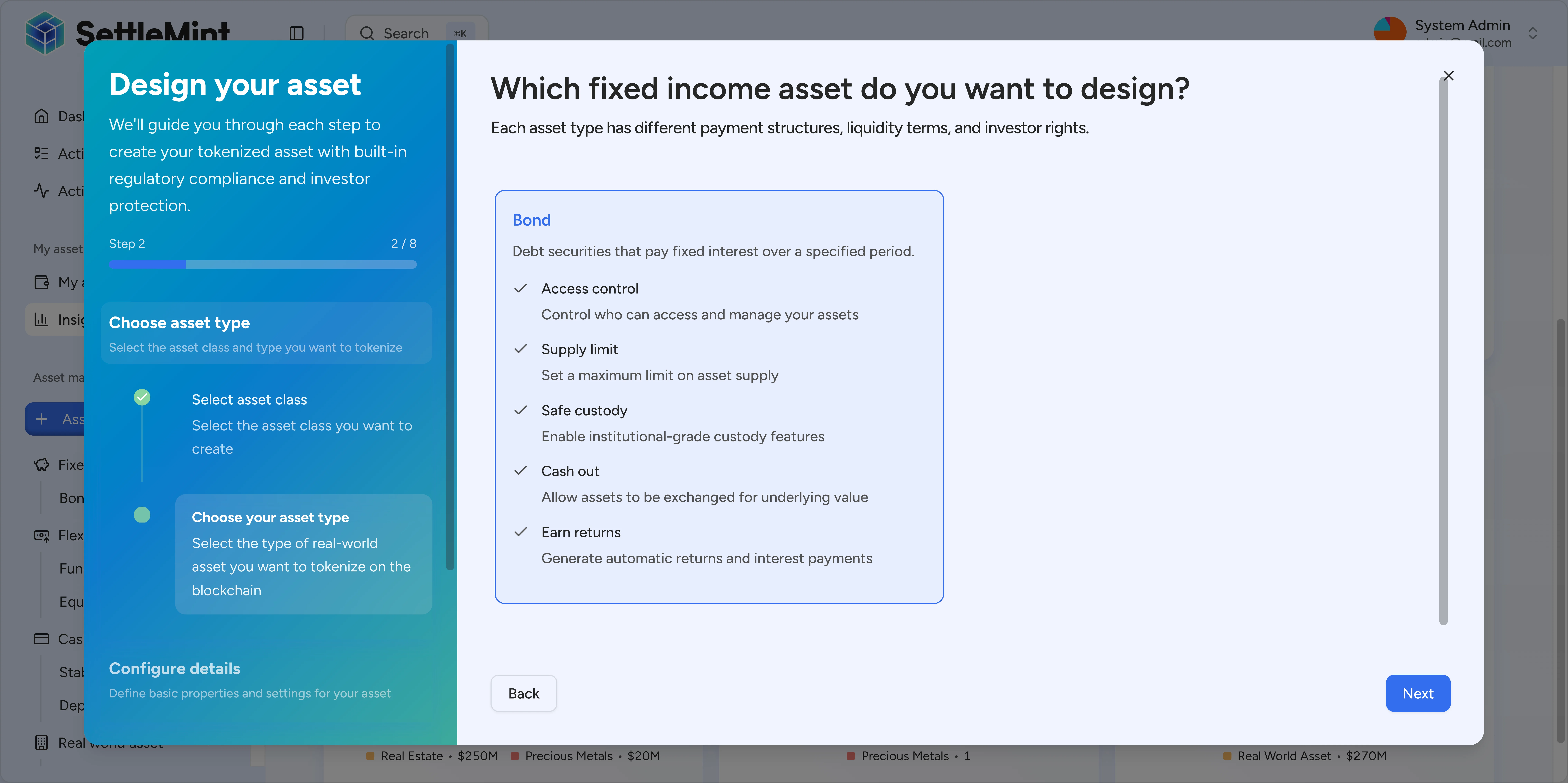
Bond-specific requirements:
- denominationAsset – Stablecoin contract address for redemptions (required)
- faceValue – Redemption value per bond at maturity
- maturityDate – Future ISO timestamp when bonds become redeemable
- System roles – Requires
tokenManagerbefore creation - Token roles –
supplyManagementfor minting,emergencyfor unpausing
Step-by-step commands
Step 1: Create the client
Create the DALP SDK client with your platform URL and API key.
import { createDalpClient } from "@settlemint/dalp-sdk";

async function main() {
  // Step 1: Create the SDK client
  // Replace these placeholders with your actual values
  const dalp = createDalpClient({
    url: "https://your-platform.example.com",
    apiKey: "YOUR_API_KEY",
  });
  const pincode = "YOUR_PINCODE";
  const stablecoinAddress = "YOUR_STABLECOIN_CONTRACT_ADDRESS";
Step 2: Check that your session has a wallet
  // Step 2: Get your wallet address
  const me = await dalp.user.me({});
  const myWallet = me.data.wallet;
  if (!myWallet) {
    throw new Error("No wallet found. Create a wallet first via the DALP dashboard.");
  }
  console.log("Wallet:", myWallet);
Save the wallet address. You use it when you grant token roles and mint the first bond supply.
Step 3: Set up system roles
Required: Grant yourself the necessary system roles.
- Grant system roles:
tokenManager- Required to create tokens
Note: Only users with admin role can grant system roles. If you don't have admin access, ask your system administrator to grant you the tokenManager role.
Step 4: Create bond token
  // Step 4: Create bond token
  const bond = await dalp.token.create({
    body: {
      type: "bond",
      name: "Test Corporate Bond",
      symbol: "TCBD",
      decimals: 18,
      countryCode: "840",
      cap: 1_000_000_000_000_000_000_000_000n,
      faceValue: 1_000_000_000_000_000_000_000n,
      maturityDate: new Date("2026-12-31T23:59:59Z").toISOString(),
      denominationAsset: stablecoinAddress,
      initialModulePairs: [],
      walletVerification: {
        secretVerificationCode: pincode,
        verificationType: "PINCODE",
      },
    },
  });

  if ("transactionId" in bond) {
    console.log("Bond creation queued:", bond.transactionId);
    return;
  }
  const tokenAddress = bond.data.id;
  console.log("Bond created:", tokenAddress);
Parameters:
type: Must be"bond"name: Bond name (e.g., "Test Corporate Bond")symbol: Bond symbol (e.g., "TCBD")decimals: Usually18for bondscountryCode: ISO country code (840 = USA, 056 = Belgium, 276 = Germany)cap: Maximum supply usingtoBigDecimal("1000000", 18)= 1M bondsfaceValue: Redemption value per bond usingtoBigDecimal("1000", 18)= 1000 tokensmaturityDate: When the bond matures (ISO string)denominationAsset: Your stablecoin contract address from the stablecoin guideinitialModulePairs: Compliance modules (empty array[]for basic setup)
Expected: A synchronous create returns bond data with data.id, the bond contract address. Save this address for the role grant, unpause, mint, and holder checks.
If the create response contains transactionId instead of data.id, the create request was queued. Poll dalp.transaction.status for the saved transaction ID until completion. Then call dalp.token.list with supported filters such as name, symbol, and tokenType. Save the matching token id as tokenAddress before continuing.
The example script returns after logging the queued transaction ID. Production automation should resume the runbook after resolving the token address instead of granting roles against a missing address.
Step 5: Grant token roles
REQUIRED: Grant yourself supplyManagement (for minting) and emergency (for unpausing) roles on the bond contract.
Note: When you create a token, you automatically receive the admin role (which allows you to grant other roles) and the governance role. You must grant yourself supplyManagement and emergency roles before minting and unpausing.
  // Step 5: Grant token roles
  await dalp.token.grantRole({
    params: { tokenAddress },
    body: {
      accounts: [myWallet],
      role: "supplyManagement",
      walletVerification: {
        secretVerificationCode: pincode,
        verificationType: "PINCODE",
      },
    },
  });
  await dalp.token.grantRole({
    params: { tokenAddress },
    body: {
      accounts: [myWallet],
      role: "emergency",
      walletVerification: {
        secretVerificationCode: pincode,
        verificationType: "PINCODE",
      },
    },
  });
  console.log("Roles granted");
Expected: The role grant transaction completes. Wait for transaction confirmation before proceeding to Step 6.
Step 6: Unpause the bond
New tokens start paused. Unpause to enable transfers:
  // Step 6: Unpause the bond
  await dalp.token.unpause({
    params: { tokenAddress },
    body: {
      walletVerification: {
        secretVerificationCode: pincode,
        verificationType: "PINCODE",
      },
    },
  });
  console.log("Bond unpaused");
Note: This step requires the emergency role from Step 5. Make sure Step 5 completed successfully and the transaction was confirmed before unpausing.
Step 7: Mint bonds
  // Step 7: Mint bonds — 100 bonds
  await dalp.token.mint({
    params: { tokenAddress },
    body: {
      recipients: [myWallet],
      amounts: [100_000_000_000_000_000_000n],
      walletVerification: {
        secretVerificationCode: pincode,
        verificationType: "PINCODE",
      },
    },
  });
  console.log("Minted bonds");
Parameters:
tokenAddress: Your bond contract address (in path)recipients: Array of recipient wallet address(es)amounts: Array of amounts usingtoBigDecimal("100", 18)= 100 bonds
Expected: Returns transaction hash.
Note: This step requires the supplyManagement role from Step 5.
Step 8: Verify the mint
  // Step 8: Verify holders
  const holders = await dalp.token.holders({ params: { tokenAddress }, query: { limit: 200 } });
  console.log("Holders:", holders.data);
Expected: Shows bond holders with their balances.
Full script
import { createDalpClient } from "@settlemint/dalp-sdk";

async function main() {
  // Step 1: Create the SDK client
  // Replace these placeholders with your actual values
  const dalp = createDalpClient({
    url: "https://your-platform.example.com",
    apiKey: "YOUR_API_KEY",
  });
  const pincode = "YOUR_PINCODE";
  const stablecoinAddress = "YOUR_STABLECOIN_CONTRACT_ADDRESS";

  // Step 2: Get your wallet address
  const me = await dalp.user.me({});
  const myWallet = me.data.wallet;
  if (!myWallet) {
    throw new Error("No wallet found. Create a wallet first via the DALP dashboard.");
  }
  console.log("Wallet:", myWallet);

  // Step 3: Set up system roles
  // Follow the Set Up Roles guide to:
  // - Grant yourself 'tokenManager' system role
  // See: /docs/developer-guides/runbooks/setup-roles

  // Step 4: Create bond token
  const bond = await dalp.token.create({
    body: {
      type: "bond",
      name: "Test Corporate Bond",
      symbol: "TCBD",
      decimals: 18,
      countryCode: "840",
      cap: 1_000_000_000_000_000_000_000_000n,
      faceValue: 1_000_000_000_000_000_000_000n,
      maturityDate: new Date("2026-12-31T23:59:59Z").toISOString(),
      denominationAsset: stablecoinAddress,
      initialModulePairs: [],
      walletVerification: {
        secretVerificationCode: pincode,
        verificationType: "PINCODE",
      },
    },
  });

  if ("transactionId" in bond) {
    console.log("Bond creation queued:", bond.transactionId);
    return;
  }
  const tokenAddress = bond.data.id;
  console.log("Bond created:", tokenAddress);

  // Step 5: Grant token roles
  await dalp.token.grantRole({
    params: { tokenAddress },
    body: {
      accounts: [myWallet],
      role: "supplyManagement",
      walletVerification: {
        secretVerificationCode: pincode,
        verificationType: "PINCODE",
      },
    },
  });
  await dalp.token.grantRole({
    params: { tokenAddress },
    body: {
      accounts: [myWallet],
      role: "emergency",
      walletVerification: {
        secretVerificationCode: pincode,
        verificationType: "PINCODE",
      },
    },
  });
  console.log("Roles granted");

  // Step 6: Unpause the bond
  await dalp.token.unpause({
    params: { tokenAddress },
    body: {
      walletVerification: {
        secretVerificationCode: pincode,
        verificationType: "PINCODE",
      },
    },
  });
  console.log("Bond unpaused");

  // Step 7: Mint bonds — 100 bonds
  await dalp.token.mint({
    params: { tokenAddress },
    body: {
      recipients: [myWallet],
      amounts: [100_000_000_000_000_000_000n],
      walletVerification: {
        secretVerificationCode: pincode,
        verificationType: "PINCODE",
      },
    },
  });
  console.log("Minted bonds");

  // Step 8: Verify holders
  const holders = await dalp.token.holders({ params: { tokenAddress }, query: { limit: 200 } });
  console.log("Holders:", holders.data);
}

await main();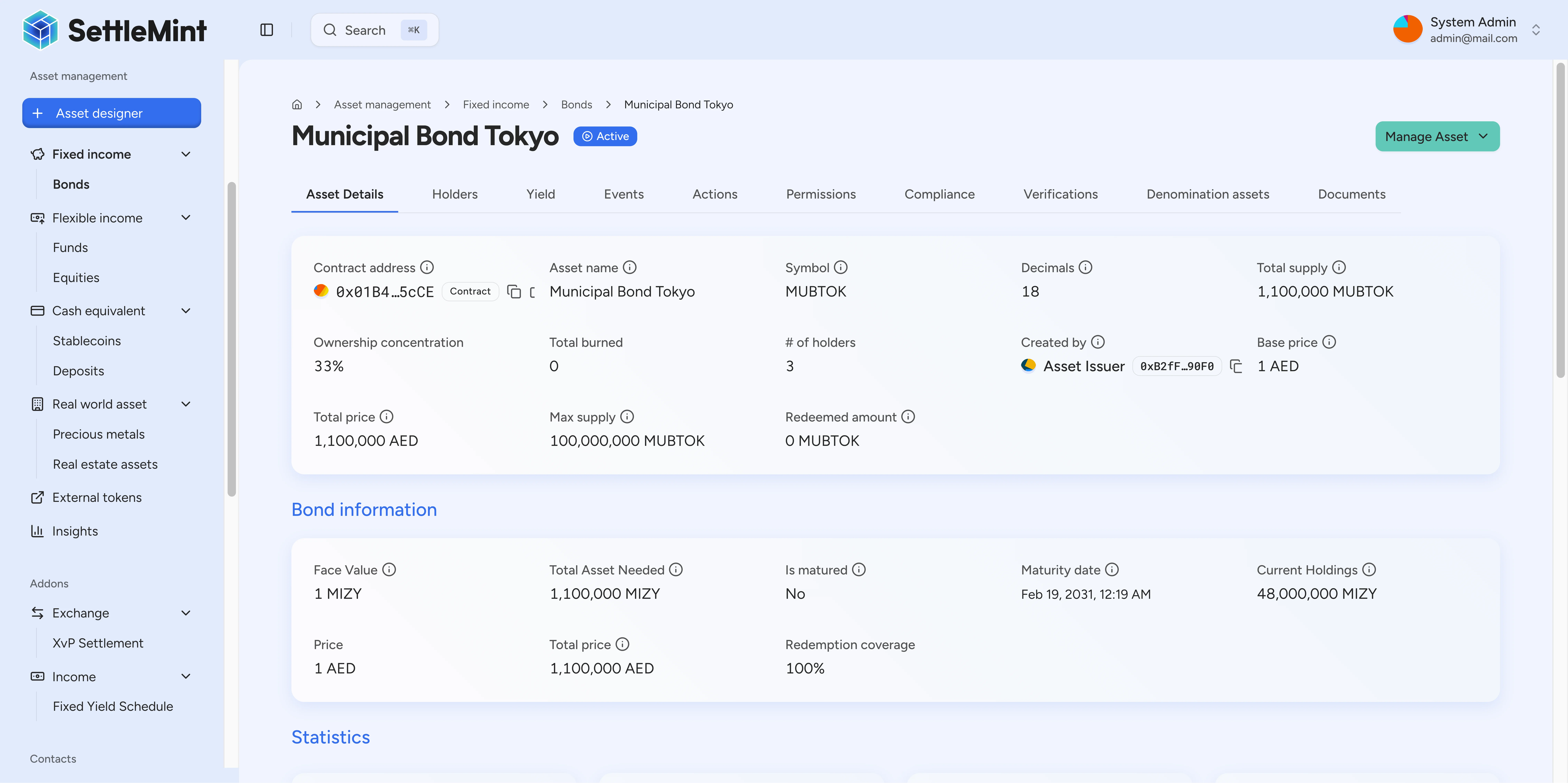
Troubleshooting
"Authentication missing" → Check the API key passed to createDalpClient.
"PINCODE_INVALID" → Reconfirm your PINCODE.
"USER_NOT_AUTHORIZED" / "tokenManager required" → Grant the tokenManager role (requires admin access).
"Permission denied" → Grant the required token roles (supplyManagement, emergency).
"Token is paused" → Make sure Step 6 (unpause) succeeded and you have emergency role.
"Invalid denomination asset" → Verify your stablecoin contract address from the stablecoin guide.
"Maturity date must be in the future" → Use a future date.
Equity tokenization through APIs
Run the API-led ACME Holdings equity tokenization walkthrough without confusing it with the console version.
Deploy and mint a deposit
Create a deposit token, handle queued creation responses, grant token roles, unpause it, and mint deposit certificates with the DALP TypeScript SDK.