

Platform setup overview
Choose the setup path for organization deployment, administrator roles, shared services, API automation, and the handoff to asset creation.
Platform setup starts with the organization that owns the workspace. The setup path deploys the organization, creates the first administrator, assigns administrator roles, and configures shared services. It also prepares API credentials, webhooks, and operator controls before asset teams create tokens. This overview is for developers and platform administrators who automate onboarding or connect provisioning systems through the API.
Platform setup through the API prepares the organization, administrator roles, and shared platform services before asset teams operate tokens.
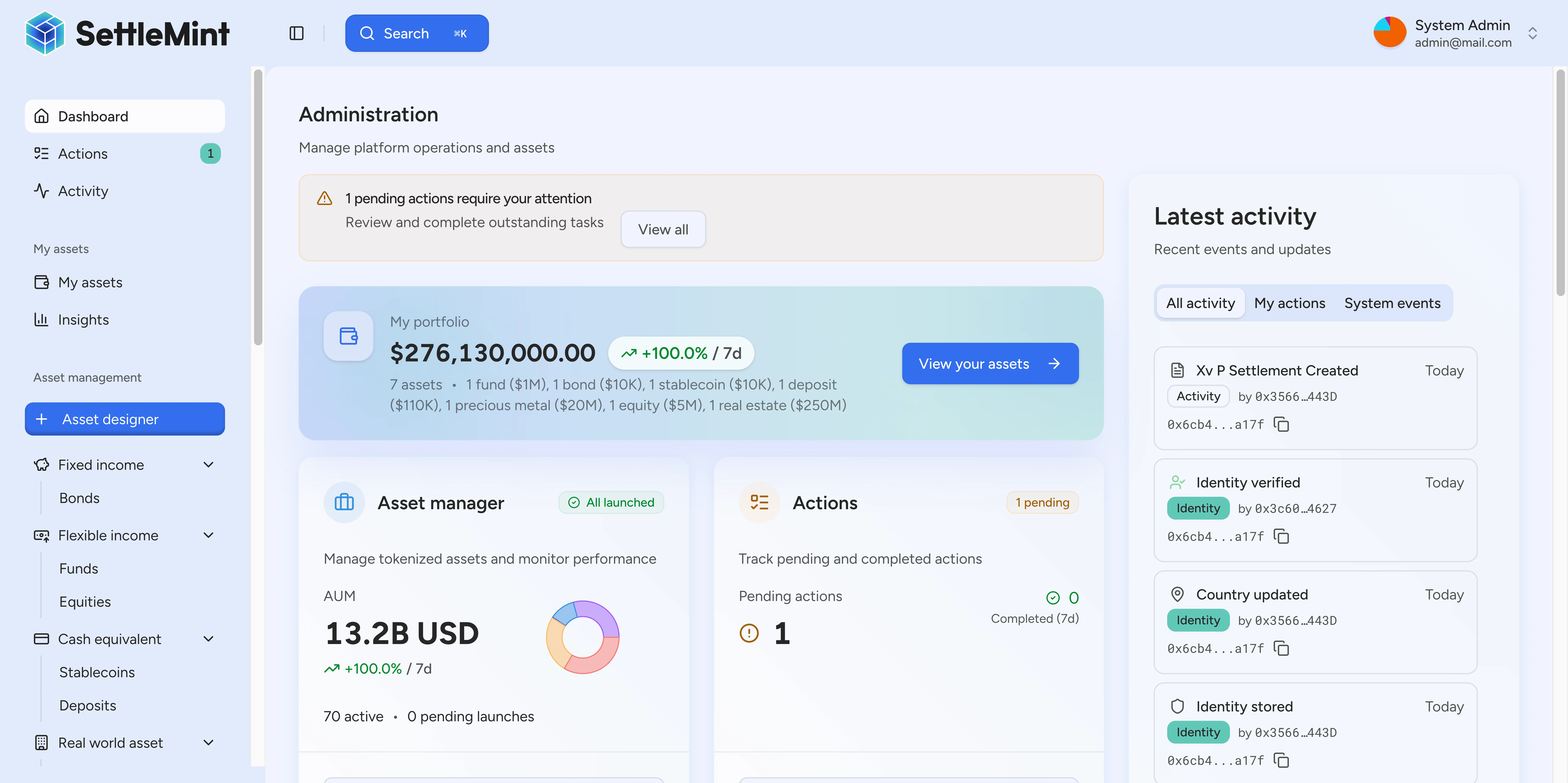
For the web interface path, see platform setup in the user guide. For the operating model across organizations, users, roles, API keys, webhooks, providers, and operator wallets, see DALP admin operating model.
Setup model
The organization context scopes people, API keys, provider records, and platform settings. Set that context before you create machine credentials or grant roles. After that, grant only the roles needed for the target workflow, then connect automation and provider settings that asset programs depend on.
The first organization deployment is a separate step from later administration. During deployment, the web onboarding route collects the organization name, target currencies, and base currency, then follows deployment progress until the workspace is complete or a structured retry path is available. API-based provisioning should treat the same deployment boundary as the point where organization-scoped setup can begin.
Choose the API setup path
Most API-based setups follow this sequence:
- Create the first administrator and initialize the organization.
- Add administrators who need console or API access.
- Change admin roles after the user has the wallet and identity state required by the role.
- Configure platform settings such as trusted issuers, verification topics, compliance providers, exchange rates, pricing, and templates before asset workflows rely on them.
- Create API keys and webhook endpoints for integration workloads after the organization and roles are correct.
- Create assets only after the administrative model and operating checks are in place.
Platform and asset administration
Platform administration controls organization-level and system-level setup. Asset administration controls individual token programs after they exist.
| Layer | What it controls | Typical docs path |
|---|---|---|
| Organization administration | Users, invitations, API keys, webhook management, and organization settings. | Admin operating model |
| System roles | Platform-wide authorities such as system management, identity management, claim issuance, gas management, and compliance policy management. | Change admin roles |
| Asset roles | Token-specific authorities for minting, burning, pausing, custody, supply management, and asset operations. | Asset creation |
Keep these layers separate when you automate setup. A user can manage organization settings without holding every on-chain system role, and an on-chain role does not replace organization membership for off-chain administration.
Production checks before asset creation
Confirm these setup checks before routing users or automation into asset creation.
| Setup area | What to verify before production use |
|---|---|
| Organization | The active organization is the intended one before creating API keys, inviting users, or configuring providers. |
| Deployment state | The organization deployment finished successfully, or the operator has handled the retry path before continuing. |
| Administrators | Only expected administrators can grant or change sensitive roles. |
| System roles | System authority matches the operating model for identity, claims, gas, compliance, and asset creation. |
| API keys | Each integration has a separate key for the organization and workload it serves. |
| Webhooks | Endpoint health, signing state, and delivery history are visible to the operators who monitor downstream systems. |
| Provider settings | Compliance providers, trusted issuers, and verification topics are configured before automated checks depend on them. |
| Operator wallets | Wallet balances are monitored for workflows that require gas or platform-managed transactions. |
Platform setup scope
Platform administrator roles control system-level permissions. Asset-specific roles, such as Asset Operator, Custodian, and Supply Management, are assigned per token and covered in asset creation and asset servicing guides.
Setup guides
- Organization deployment API starts API-based organization deployment and tracks setup progress.
- First administrator setup initializes the organization and first admin.
- Add administrators grants platform access to additional users.
- Change admin roles updates role assignments when responsibilities change.
- DALP admin operating model maps organizations, users, roles, API keys, webhooks, providers, and operator wallets.
- Local development chain explains the local EVM chain settings used when developers run platform setup flows outside a shared environment.
- Organization and system scope explains how API integrations stay in the right organization and system context.
- Create an asset starts the asset workflow after platform setup is ready.