

Create an asset with the API
Deploy a new tokenized asset programmatically with the DALP API.
Creating an asset with the DALP API deploys a new tokenized security programmatically. This guide is for developers and integrators building against DALP. If you are using the web console, follow the console guide for asset creation.
Common use cases:
- Bond issuance - Create fixed-income securities with maturity dates and coupon payments
- Equity tokenization - Issue shares with voting rights and dividend distribution
- Fund launch - Create investment fund units with NAV tracking
- Stablecoin creation - Deploy collateral-backed stable value instruments
- Deposit certificates - Tokenize bank deposits or cash equivalents
- Real estate fractionalization - Divide property ownership into tradeable fractions
- Precious metal tokenization - Configure metal-backed assets with weight, purity, storage, and valuation fields
Prerequisites
- Platform URL (e.g.,
https://your-platform.example.com) - API key from a user with the Token Manager role (see Getting Started)
- Token factory for your desired asset type must be deployed
- Wallet verification method enabled on your account (pincode or 2FA)
Asset types
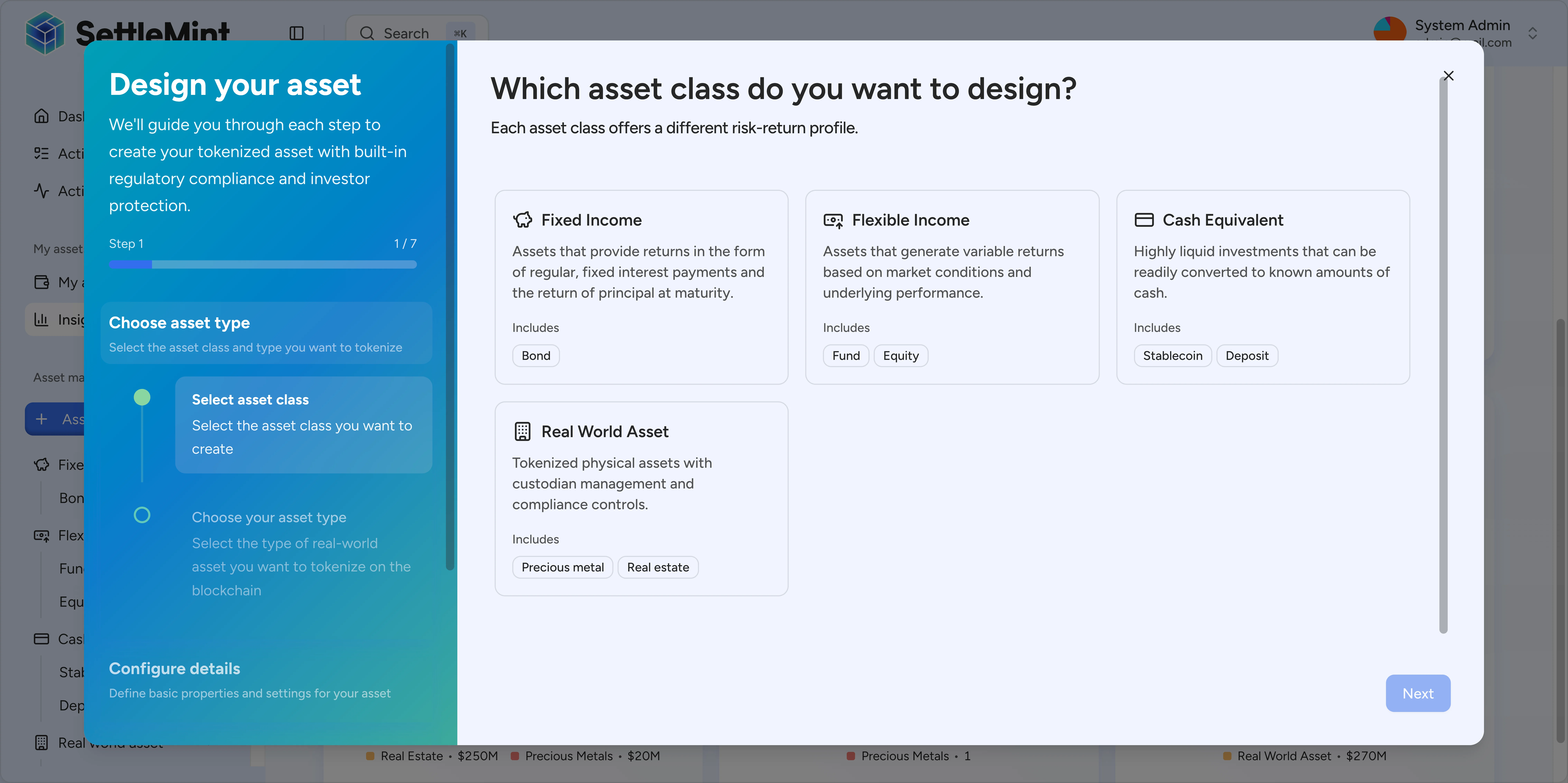
The platform supports seven asset types organized into four classes:
| Asset class | Asset types | Description |
|---|---|---|
| Fixed Income | Bond | Debt securities with maturity dates and fixed payments |
| Flexible Income | Equity, Fund | Variable return assets like shares and investment funds |
| Cash Equivalent | Stablecoin, Deposit | Stable value assets pegged to fiat currencies |
| Real World Asset | Real Estate, Precious Metal | Tokenized physical assets and property ownership |
Create an asset from an instrument template
Use /api/v2/tokens for the Asset Designer flow. Templated assets use "type": "dalp-asset" and must include the selected instrument template ID. The template supplies the asset class and required features; your payload supplies the asset identity, valuation fields, template metadata values, optional feature configuration, and wallet verification.
curl -X POST "https://your-platform.example.com/api/v2/tokens" \
  -H "X-Api-Key: YOUR_API_KEY" \
  -H "Content-Type: application/json" \
  -d '{
    "type": "dalp-asset",
    "templateId": "system-precious-metal",
    "name": "ACME Gold Token",
    "symbol": "ACMEG",
    "decimals": 3,
    "priceCurrency": "USD",
    "basePrice": "100.00",
    "countryCode": "756",
    "metadataValues": {
      "metalType": "gold",
      "purityGrade": "999.9",
      "vaultLocation": "Zurich",
      "custodian": "ACME Vault Services",
      "weightUnit": "troy-oz",
      "weightPerToken": 1,
      "spotPrice": 100
    },
    "featureConfigs": {},
    "initialModulePairs": [],
    "walletVerification": {
      "secretVerificationCode": "123456",
      "verificationType": "PINCODE"
    }
  }'
If your operator selected a compliance template in the wizard, send the chosen template ID in complianceTemplateSelection, include the template's declared compliance type IDs in complianceTemplateExpectedTypeIds, and submit every declared control in initialModulePairs. DALP rejects templated asset creation when the template signal is present but the payload omits the required compliance pairs, submits only part of the expected set, or sends an empty country allow list.
Template-owned fields in API payloads
A dalp-asset payload selects an instrument template with templateId. The payload does not replace the template's asset class, base asset type, required feature list, or metadata schema.
Use the API fields this way:
| API field | How to use it |
|---|---|
templateId | Selects the instrument template. DALP requires it for "type": "dalp-asset" and reads the template before deployment. |
metadataValues | Provides values for metadata fields declared by the selected template. Required metadata fields must be present. Fields marked immutable in the template are encoded as immutable on the issued asset. |
featureConfigs | Provides values for template-enabled feature settings that need operator input. DALP combines these values with the template's required features and rejects incompatible feature combinations. |
initialModulePairs | Provides creation-time compliance module configuration. When a compliance template is selected, include every declared control. |
For the operator-facing model behind these fields, see Instrument templates.
Request parameters
| Parameter | Type | Required | Description |
|---|---|---|---|
type | string | Yes | Use "dalp-asset" for assets created from instrument templates. Legacy token types remain supported. |
templateId | string | Yes | Instrument template ID selected for the asset. Required when type is "dalp-asset". |
name | string | Yes | Full name (1-50 characters). |
symbol | string | Yes | Trading symbol (1-24 characters, uppercase letters and numbers only). |
decimals | number | Yes | Decimal precision (0-18). |
countryCode | string | Yes | ISO 3166 numeric country code for the asset jurisdiction. |
priceCurrency | string | No | ISO 4217 currency code ("USD", "EUR", "GBP") for valuation. |
basePrice | string | No | Fiat value per token in the selected price currency. |
metadataValues | object | No | Values for metadata fields exposed by the selected instrument template. |
featureConfigs | object | No | Configuration for template-enabled token features that need operator inputs. |
initialModulePairs | array | Yes | Compliance module pairs submitted at creation. Use an empty array only when no creation-time pairs apply. |
complianceTemplateSelection | string | No | Compliance template selected in the wizard, when a compliance template applies. |
complianceTemplateExpectedTypeIds | array | No | Compliance type IDs declared by the selected template; used to verify every required control was submitted. |
walletVerification | object | Yes | Your wallet verification. |
walletVerification.secretVerificationCode | string | Yes | Your 6-digit PINCODE or TOTP code. |
walletVerification.verificationType | string | Yes | "PINCODE", "OTP", or "SECRET_CODES". |
Compliance modules
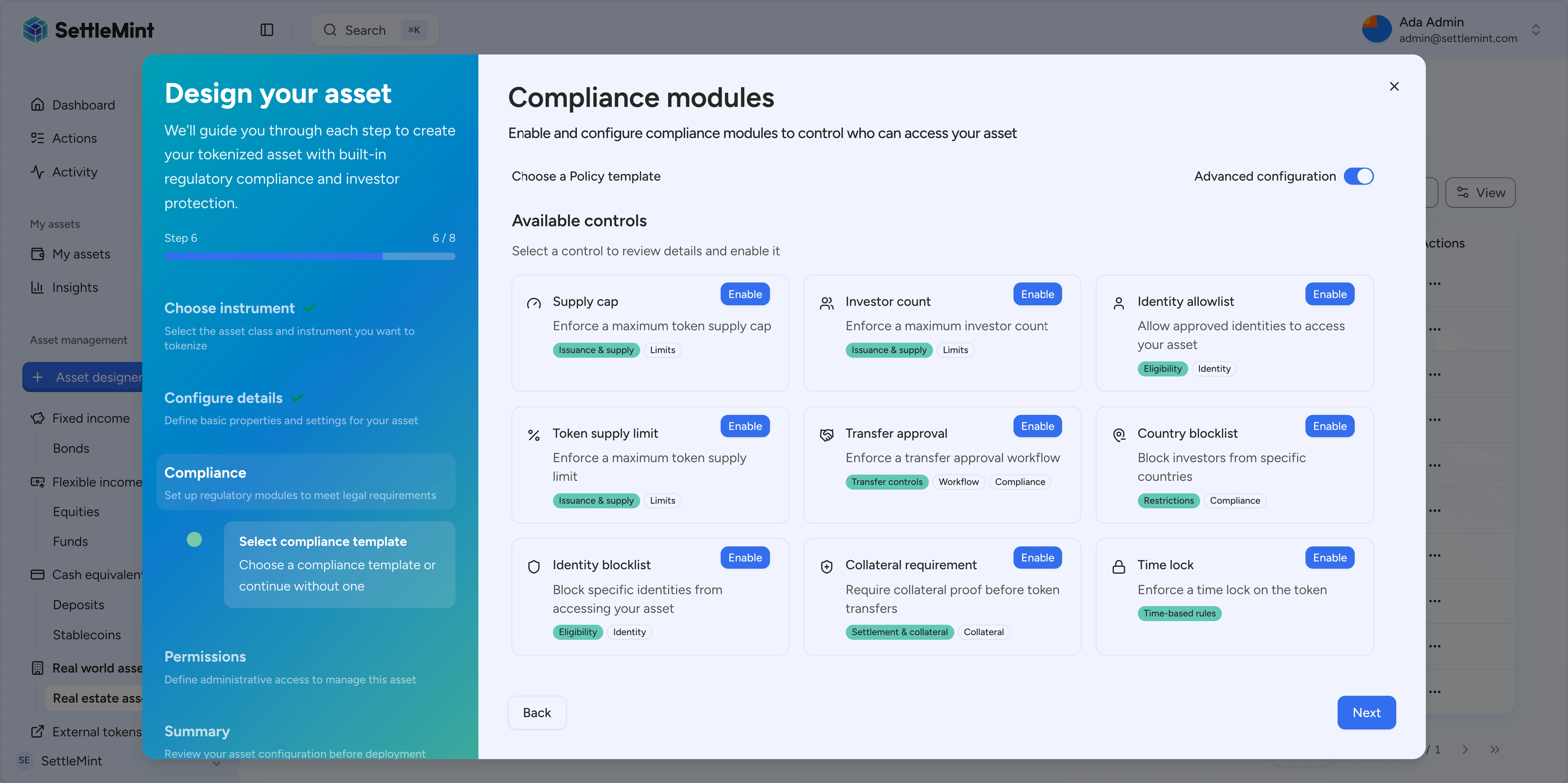
Enable on-chain compliance rules that are automatically enforced:
| Module | ID | Description |
|---|---|---|
| Identity verification | identityVerification | Requires verified OnchainID for all transfers. Learn how to configure → |
| Country allow list | countryAllowList | Only specified jurisdictions can hold the asset |
| Country block list | countryBlockList | Blocked jurisdictions cannot hold the asset |
| Address block list | addressBlockList | Explicitly block specific wallet addresses |
| Investor count limit | investorCountLimit | Cap maximum number of unique holders |
| Time lock | timeLock | Enforce minimum holding period |
| Transfer approval | transferApproval | Require manual approval for each transfer |
| Collateral requirement | collateralRequirement | Requires collateral backing before minting. Learn how to configure → |
When an API payload uses a compliance template, include all controls declared by that template in the submitted compliance module configuration. DALP rejects template-selected asset creation when no module pairs are submitted, when the submitted controls do not cover the template, or when a country allow-list control has an empty values array.
Each initialModulePairs entry uses the compliance type ID, deployed module address, and values for that control:
{
  "typeId": "country-allow-list-v2",
  "module": "0x...",
  "values": ["756"]
}
Use the compliance type IDs returned by your compliance template or module discovery response.
Response
A successful response returns the created asset data (showing key fields):
{
  "data": {
    "id": "0x9459D52E60edBD3178f00F9055f6C117a21b4220",
    "type": "precious-metal",
    "createdAt": "2025-01-15T10:30:00.000Z",
    "name": "ACME Gold Token",
    "symbol": "ACMEG",
    "decimals": 3,
    "basePrice": "[\"100\",0]",
    "basePriceCurrencyCode": "USD",
    "totalSupply": "[\"0\",0]",
    "pausable": {
      "paused": true
    }
  },
  "meta": {
    "txHashes": ["0xabc123..."]
  },
  "links": {
    "self": "/v2/tokens"
  }
}
The response includes the full asset object with additional fields like identity, accessControl, complianceModuleConfigs, userPermissions, and stats. Note that the asset starts paused by default.
After deployment
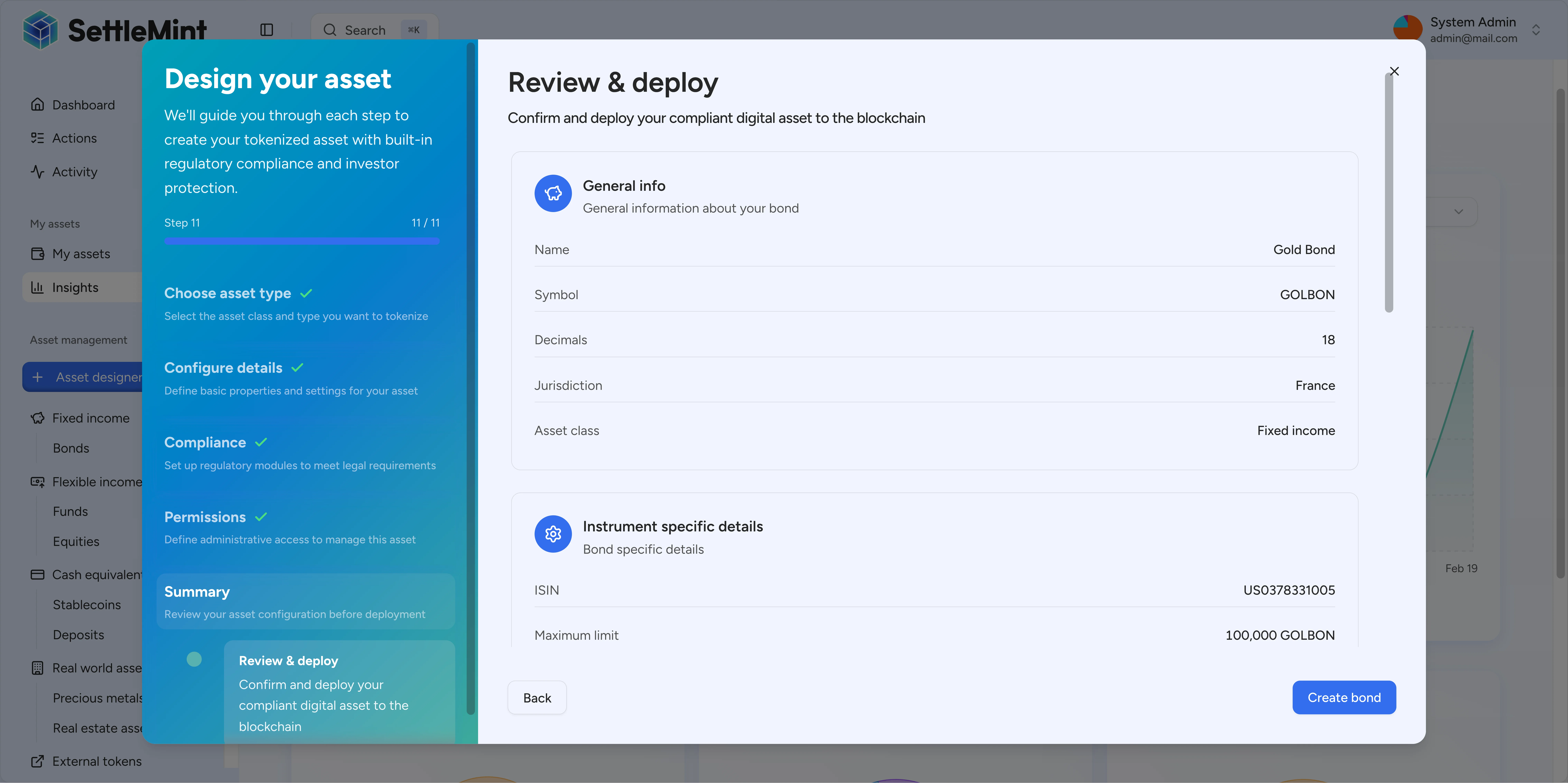
Once deployed, your asset is paused by default. To activate it for transfers and minting:
- Unpause the asset - See Pause/Unpause Assets
- Add supply managers - Grant roles for minting (see Change Asset Admin Roles)
- Mint initial supply - Issue assets to investors (see Mint Assets)
Troubleshooting
| Issue | Solution |
|---|---|
| "Token factory not found" | Deploy the factory for your asset type first |
| "Symbol already exists" | Choose a unique symbol not used by other assets |
| "Insufficient gas funds" | Ensure your wallet has enough native currency for gas |
| "Invalid country code" | Use ISO 3166-1 numeric codes (e.g., 840=USA, 276=Germany) |
| "Compliance module not found" | Check available modules with GET /api/system/compliance-modules |
| "Compliance template requires controls" | Submit every compliance control declared by the selected template, or switch to manual configuration. |
| "country-allow-list requires at least one country code" | Add at least one country code, remove the country allow-list control, or choose a different template. An empty allow list would block every transfer. |
Related guides
- Pause/Unpause Assets - Activate the asset via API
- Change Asset Admin Roles - Grant roles for minting
- Mint Assets - Issue assets to investors