

First administrator setup
Create the first administrator account, deploy the organization, and choose the next setup action.
The first administrator setup creates the organization boundary and deploys the system infrastructure that later users, API keys, roles, and assets rely on. The current web flow uses one organization setup screen, a deployment progress view, and a completion screen with next-step actions.
Prerequisites
- Access to the platform URL
- Email address for the administrator account
- ETH or native tokens for gas fees when your deployment uses public chains
Process overview
The first admin setup involves:
- Creating the administrator account.
- Entering the organization name, supported target currencies, and base currency on one setup screen.
- Starting organization deployment.
- Waiting for the deployment progress screen to complete.
- Choosing whether to go to the dashboard, invite team members, or set up a PIN from account security.
First user privileges
Only the first user can initialize the organization. This setup creates the organization boundary and the platform infrastructure used for identity, access control, compliance, system operations, and later asset workflows.
What organization setup bootstraps
The setup screen creates the organization record, makes it the active organization for the first administrator, writes the currency settings, and starts the system deployment workflow for that organization.
The deployment creates or prepares the operating infrastructure that the organization needs before users and assets can work against it:
| Bootstrap area | Result |
|---|---|
| Wallets | Creates the administrator signing wallet when the account does not already have one, then provisions the smart wallet used for account-abstraction execution when enabled. |
| System contracts | Deploys the organization's system contract from the network directory factory and stores the active system address for the organization. |
| Registries and roles | Bootstraps identity, trusted-issuer, compliance, token-factory, and add-on registries, then grants the administrator the required system roles. |
| Identity | Registers the administrator's wallet in the organization's identity registry and links the identity needed for later role, KYC, and asset workflows. |
| Compliance and factories | Registers compliance modules, asset factories, add-on factories, and optional feed or paymaster infrastructure when the active network supports them. |
| Currency settings | Stores the base currency and target currencies. Exchange-rate feeds are created for selected target currencies other than the base currency when feed support is available. |
Creating an organization from Admin > Organizations only creates the organization record from a name. It does not collect currency settings or deploy the system infrastructure. Use the onboarding setup flow to bootstrap a usable organization.
Required setup inputs
| Input | Requirement | Why it matters |
|---|---|---|
| Organization name | Required, 32 characters or fewer. DALP derives the URL-safe organization slug from this name. | Creates the organization record and the first administrator's owner membership. |
| Target currencies | At least one target currency, with no duplicates. | Defines the currencies the organization can use for exchange-rate feed setup. |
| Base currency | Must be one of the selected target currencies. At least one selected target currency must differ from the base. | Defines the organization's base reporting currency and prevents a setup that would create no feeds. |
Steps
Create the administrator account
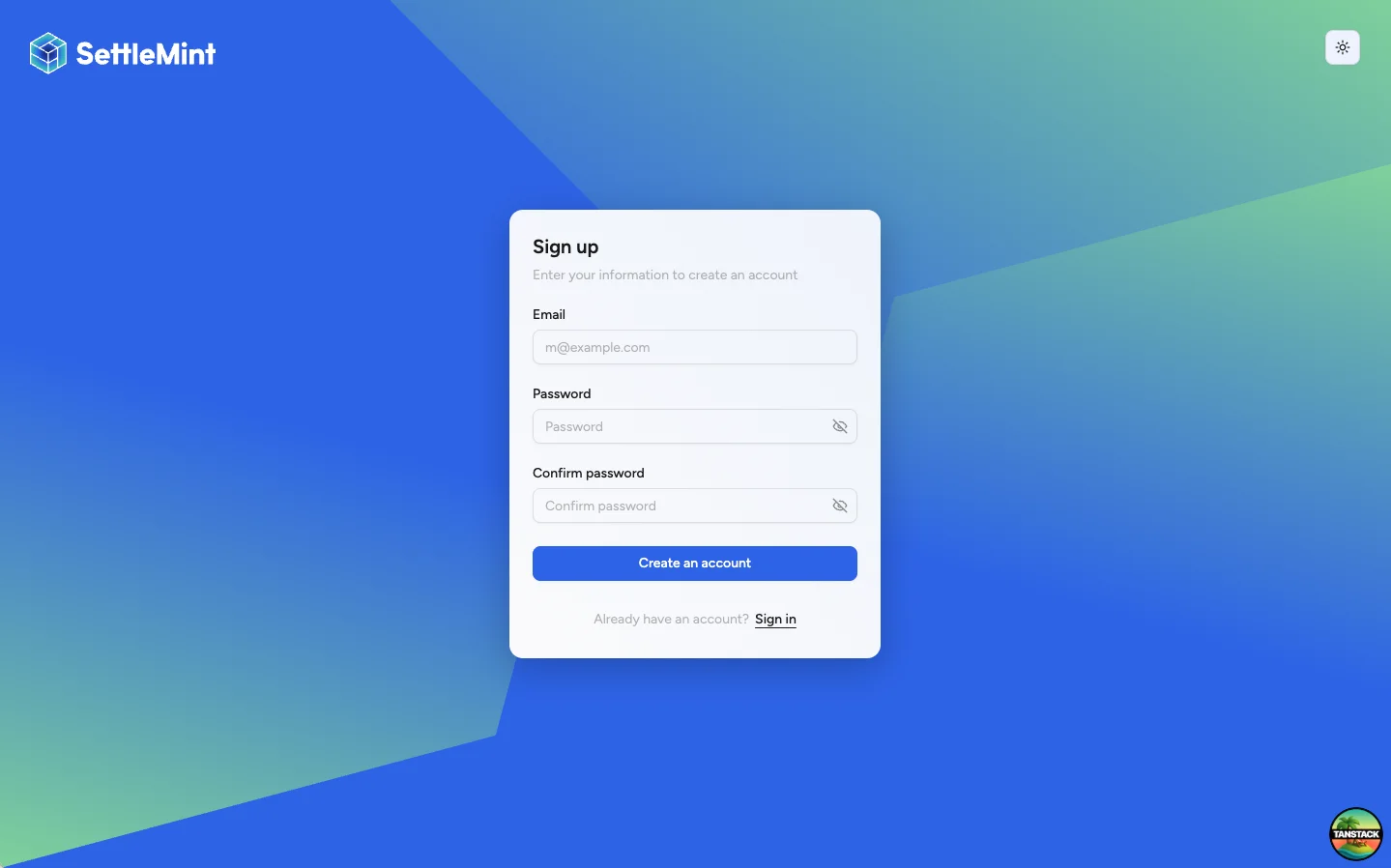
Navigate to your platform and select Sign up. Enter your email address and choose a strong password, then create the account.
Open organization setup
After sign-up, continue to the organization setup flow. If you are not sent there automatically, open the setup path for creating a new organization.
The organization setup screen does not require an existing organization, completed onboarding, or PIN setup. Those controls are created or configured later in the flow.
Enter organization and currency details
Enter the organization name, choose the target currencies the organization will support, and choose a base currency from that selected currency set.
The target currency list must include the base currency and at least one non-base currency. DALP uses the exchange-rate provider's supported-currency snapshot when the snapshot is available. If that data has not loaded yet, the picker starts from the bootstrap currency list so setup can still proceed with a valid selection.
Deploy the organization
Select Deploy Organization. DALP starts organization deployment and shows a progress screen while the setup steps run.
Keep the browser session open until the deployment reaches the completion screen. The progress view reflects the organization deployment flow; you do not need to create a separate wallet or identity step in the setup wizard.
The progress screen streams a deployment tree. Status can move through wallet, system contract, registries, access roles, identity, compliance modules, asset factories, add-on factories, exchange-rate feeds, paymaster, and smart-wallet provisioning. Some nodes appear only when the active network supports that capability.
Choose the next setup action
When deployment completes, choose the action that matches your next task:
- Go to dashboard to enter the platform.
- Invite team to add the first operators and reviewers.
- Set up PIN to open Account security with PIN setup focused.
PIN and recovery-code setup live in Account security. They are not completed inside the organization deployment form.
Completion and failure semantics
Setup is complete only after the deployment workflow finishes successfully and DALP marks the organization onboarding timestamp. After that point, the organization can invite users and enter the normal dashboard flow.
If deployment fails, the organization can be partially created. Completed on-chain and off-chain steps are not rolled back. DALP keeps the failed step details in the progress view, leaves organization onboarding incomplete, and offers retry when the same administrator can safely resume the bootstrap.
Retry uses the existing organization rather than creating a second organization. Owners and platform administrators can retry an incomplete organization. DALP refuses retry when onboarding has already completed or when another deployment is already active for the same organization.
Refreshing the browser during an active deployment reconnects to the active progress stream. If the previous run failed, returning to the setup flow shows the retry state instead of asking you to create a new organization.
If setup is interrupted
Return to the same organization setup flow with the same administrator account. If your organization was created but deployment did not complete, DALP keeps the organization name locked and asks you to choose the currency details again before retrying deployment.
Do not create a second administrator account or start a separate organization unless your operator tells you to abandon the original setup. After setup completes, the flow sends you to the dashboard or the selected next-step action instead of offering another retry.
Invited and transfer-ready users
Invited users join an already bootstrapped organization. Their onboarding validates the invitation, creates a wallet when needed, attaches or creates identity state for the organization's system, grants membership, and provisions a smart wallet when enabled. It does not deploy a new organization system.
Users are not transfer-ready just because they joined an organization. Transfers and mints still depend on the asset's compliance rules, trusted issuers, identity registration, and any required KYC or eligibility claims. See Register user for the transfer-readiness model.
Post-setup tasks
After completing first admin setup:
- Set up account security if you did not choose Set up PIN from the completion screen.
- Invite team members to join the platform.
- Add administrative roles to grant platform duties.
- Configure trusted issuers before relying on identity-based compliance checks.
- Begin creating assets or explore runbooks.
Troubleshooting
| Issue | Solution |
|---|---|
| Organization name is already taken | Choose a different organization name or ask your operator whether an earlier setup attempt already created the organization. |
| Cannot choose the base currency | Select target currencies first. The base currency must be one of the selected target currencies. |
| Deployment fails | Retry from the same setup flow if the screen offers a retry action. Otherwise contact your operator with the displayed error reference. |
| Setup completed but PIN is not set up | Open Account security and set up the PIN from there. |